Try on looks
See an outfit in your colors on your own photo. One try is free.
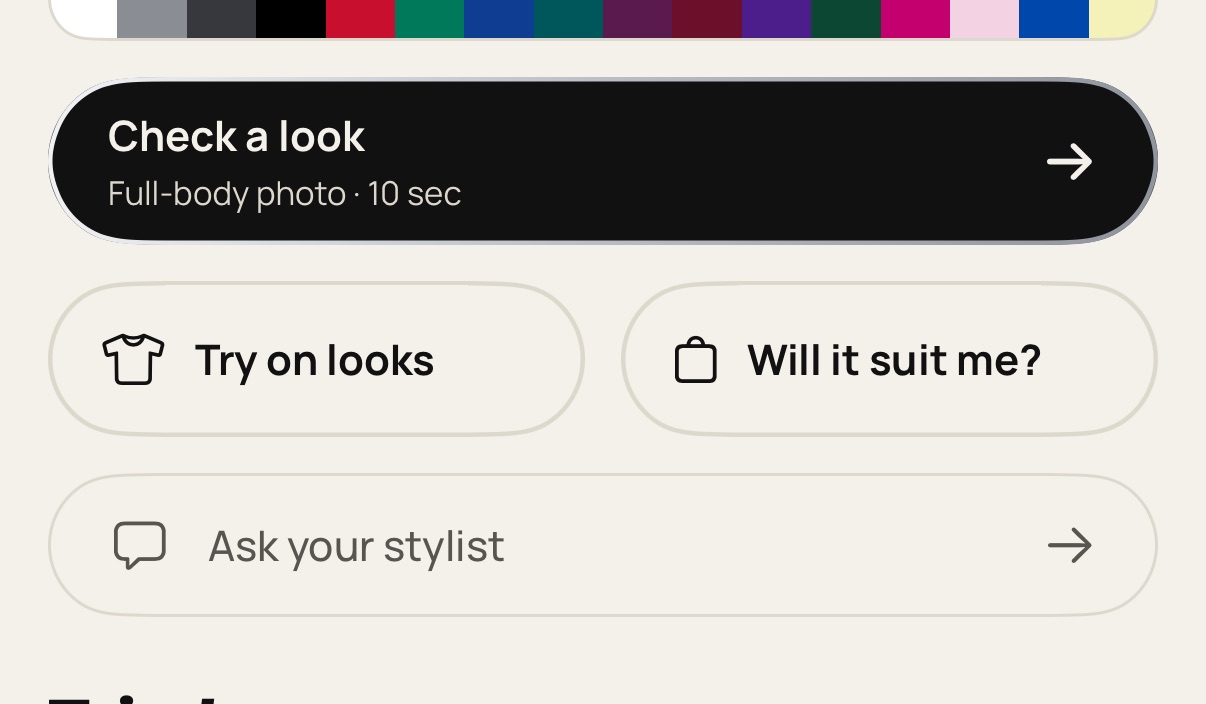
On Home, tap Try on looks.
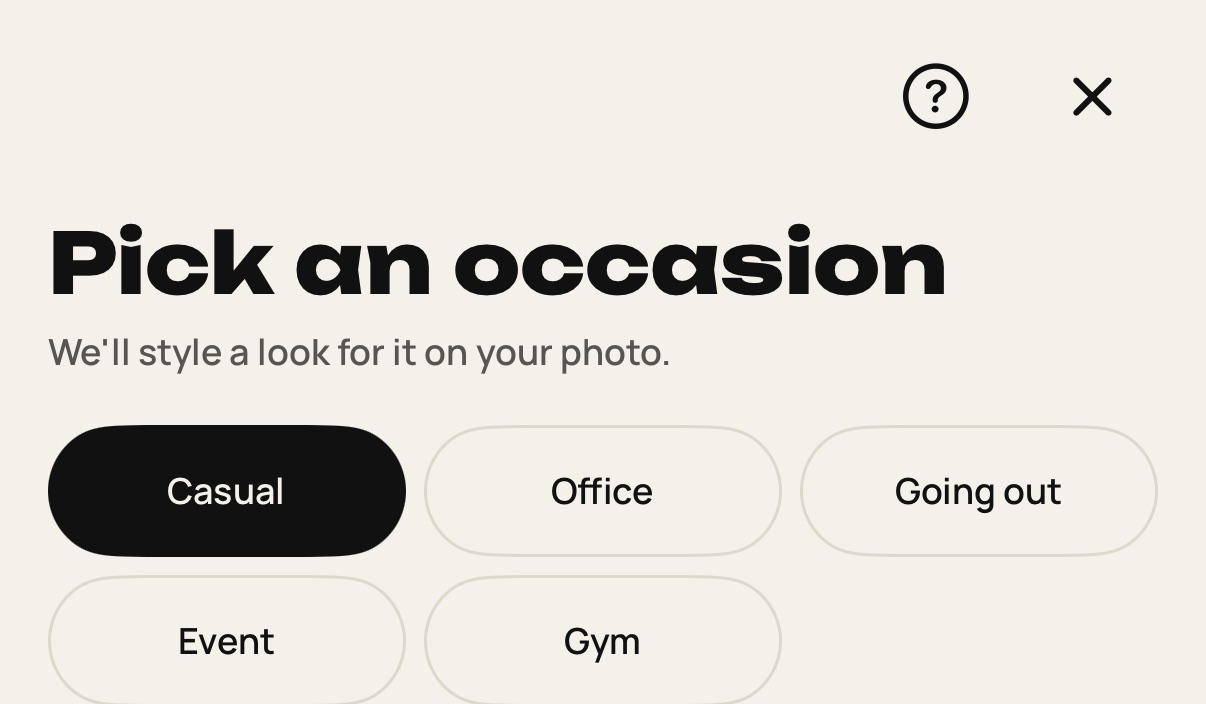
Pick an occasion: casual, office, going out, event or gym.
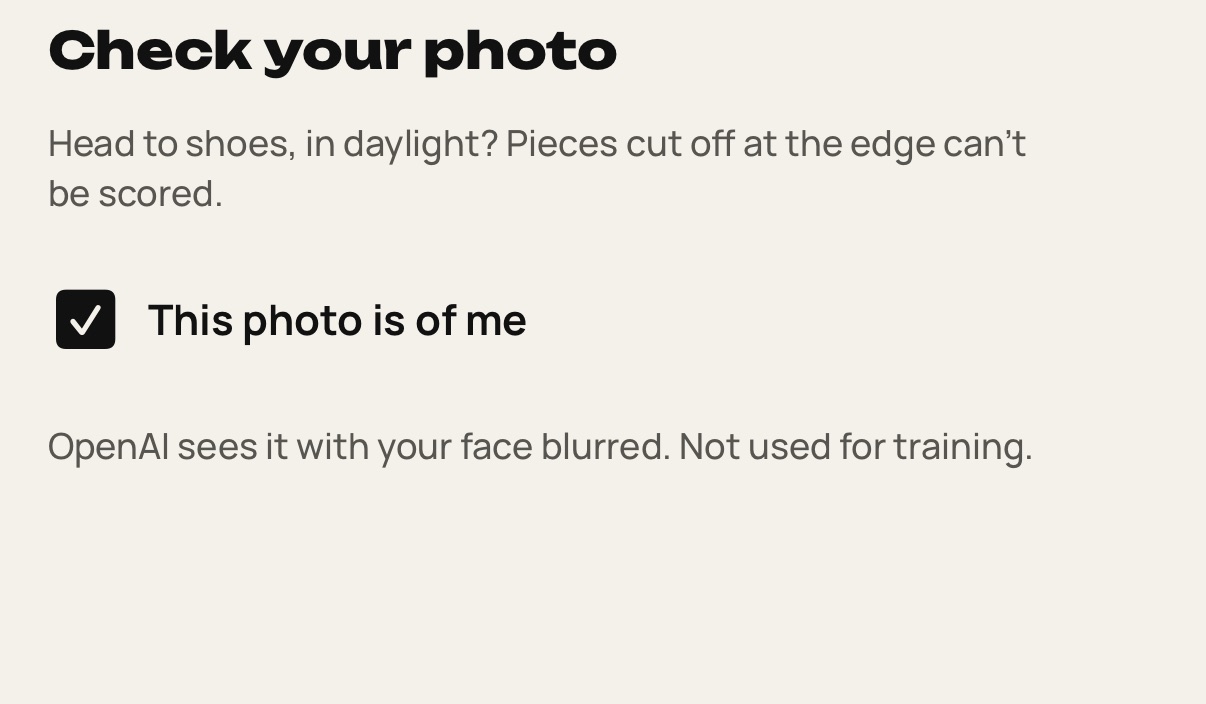
Choose a full-body photo and tick This photo is of me. Your full photo goes to OpenAI, face included, to make the image. The try-on image is saved to your account. To delete one, open it in Tried on, tap ⋯ and choose Delete.
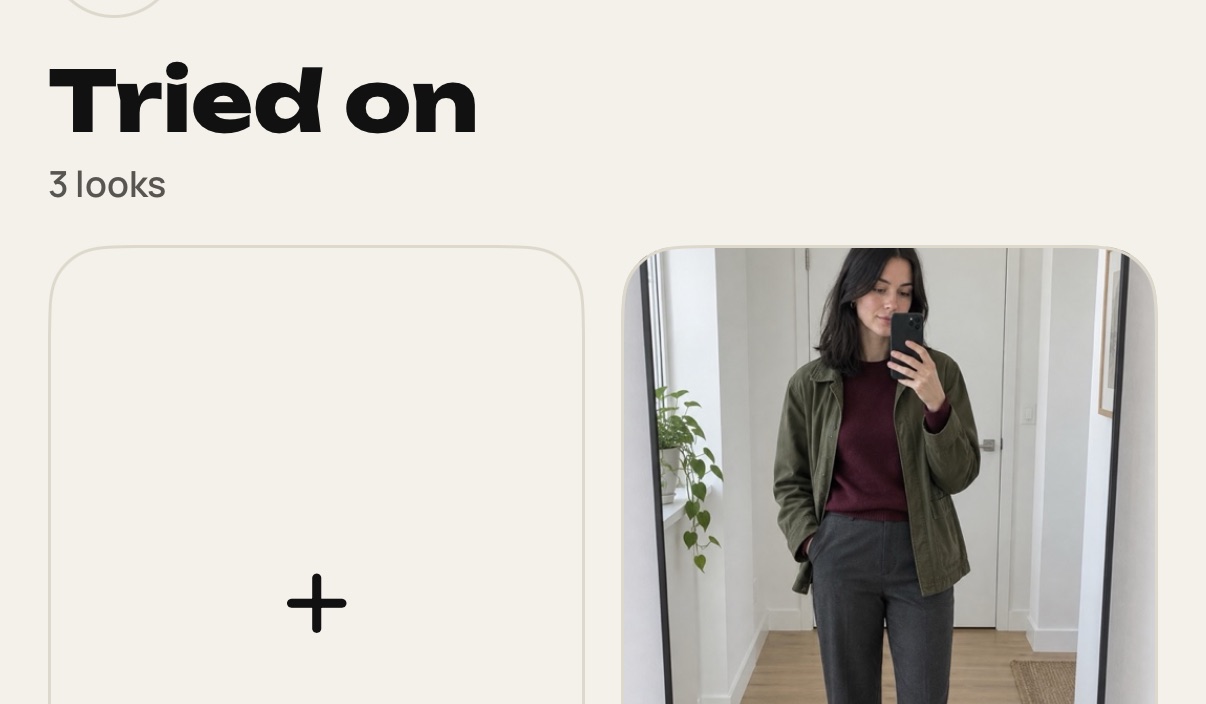
Wait about 30 seconds. You can leave, and the result lands in Tried on.
Still stuck? Write to [email protected].