Colorsona
Join the waitlistJoin

All help

Retake your scan

A new selfie can fix a result that looks off.

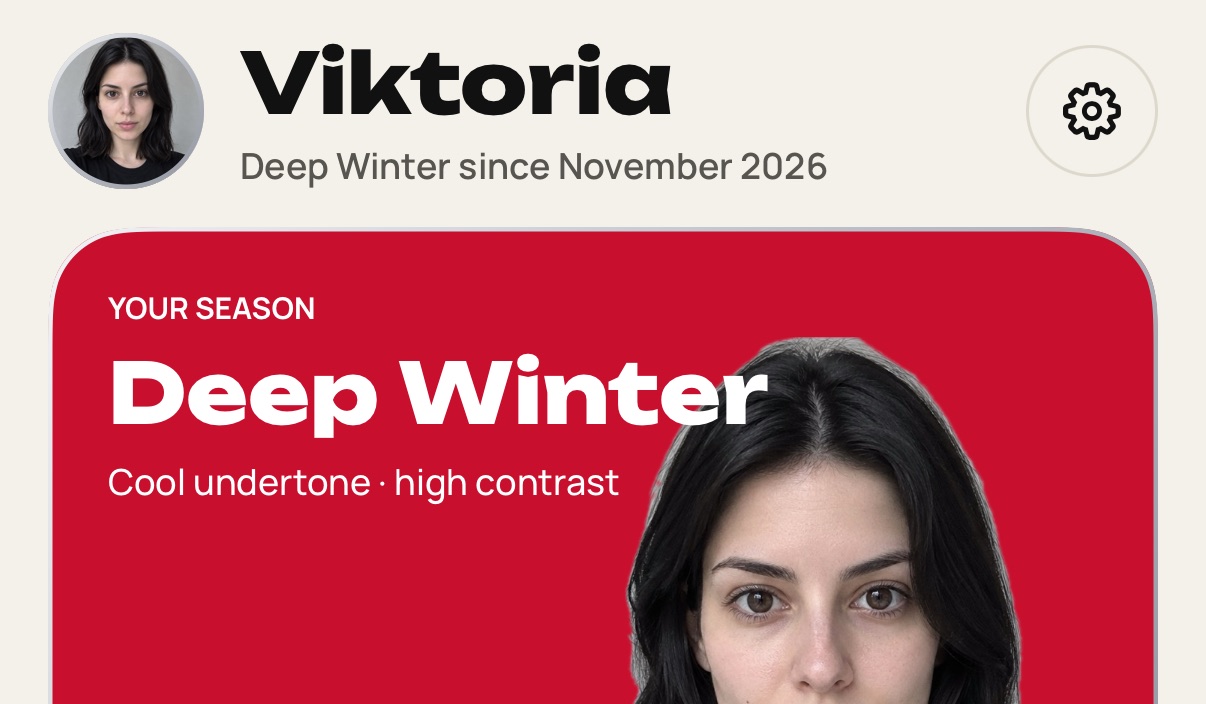
  1. Open the You tab.

    Step 1: Open the You tab.
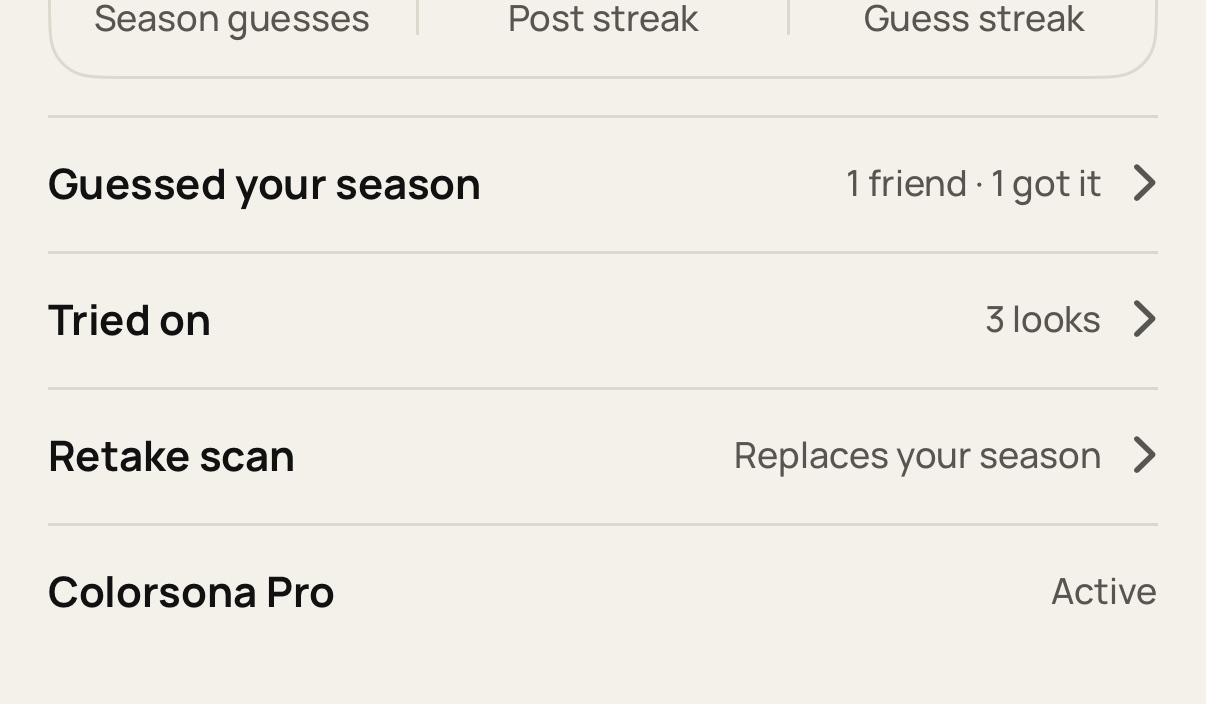
  2. Tap Retake scan and confirm.

    Step 2: Tap Retake scan and confirm.
  3. Take a selfie by a window in daylight, with no filter. Poor light is the usual cause of an off result.
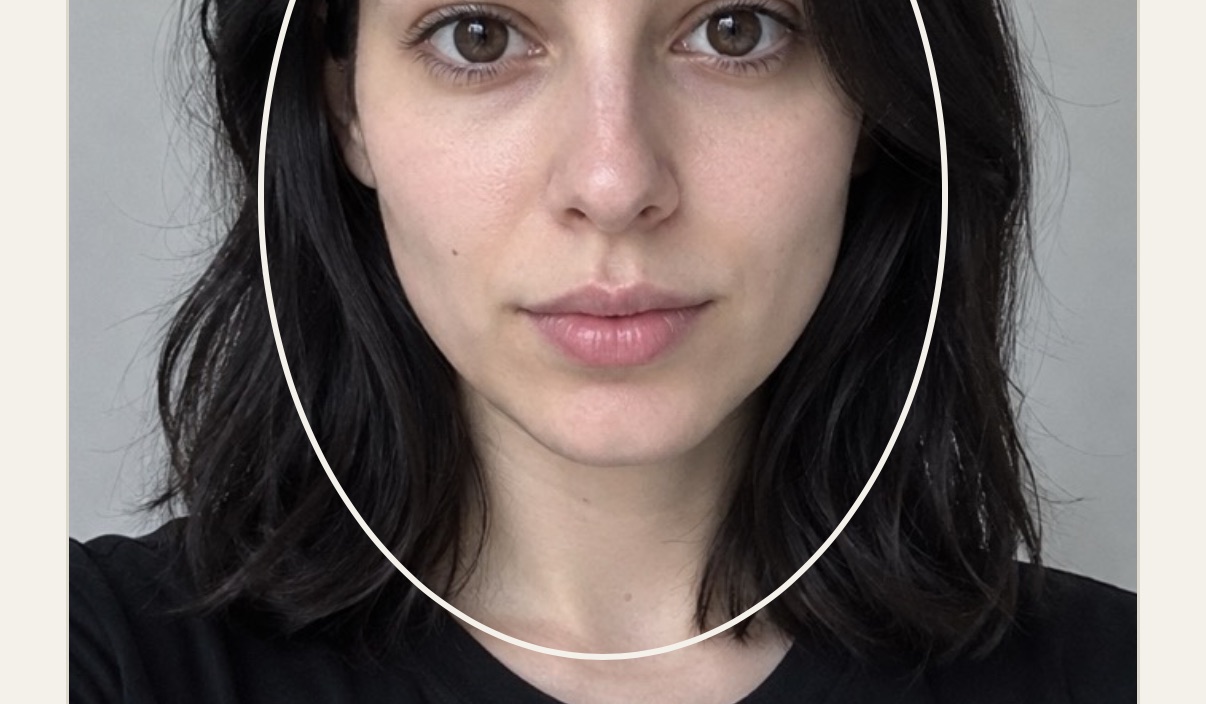
    Step 3: Take a selfie by a window in daylight, with no filter. Poor light is the usual cause of an off result.
  4. Your season and palette update when the scan finishes.
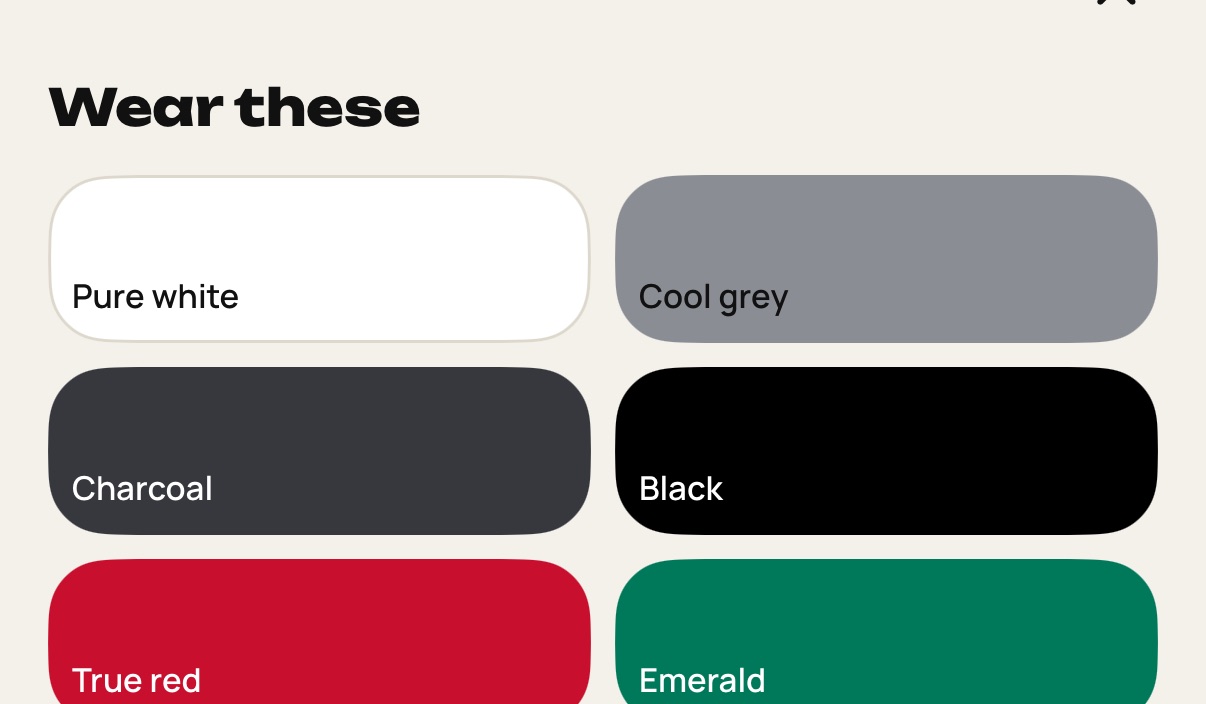
    Step 4: Your season and palette update when the scan finishes.

Still stuck? Write to [email protected].