Restore your purchase
Get Pro back on a new phone or after a reinstall.
Make sure your iPhone is signed in with the Apple ID you used to buy Pro.
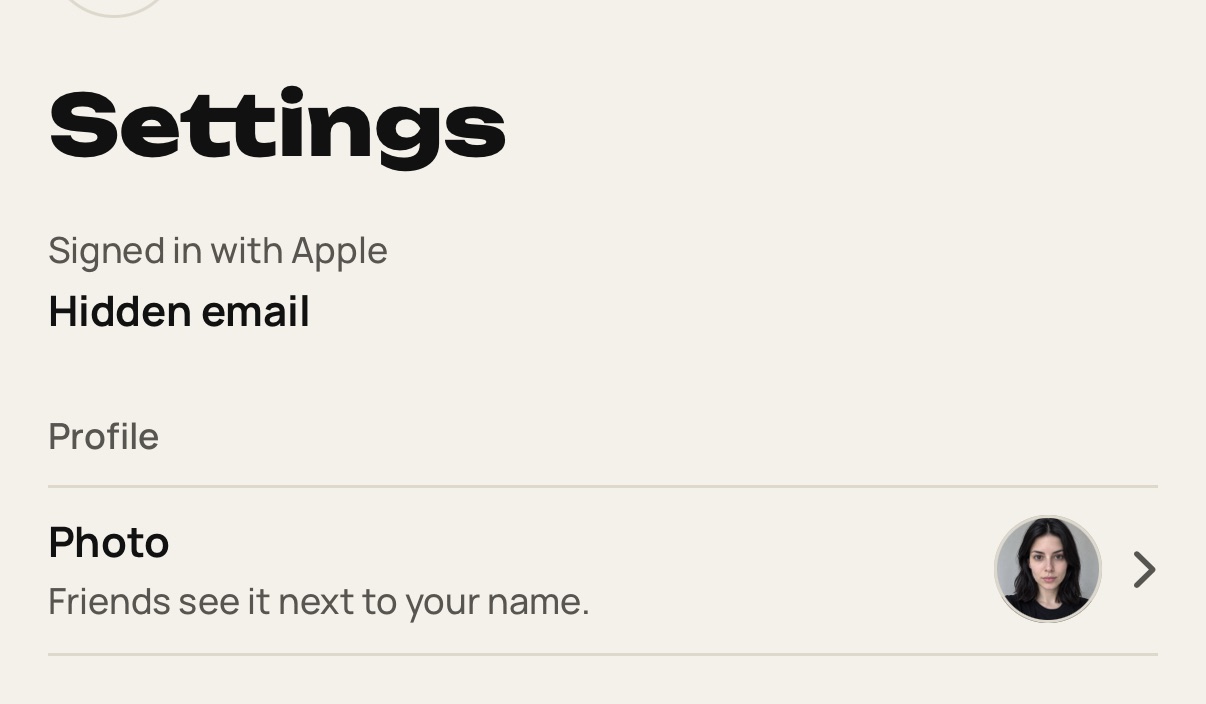
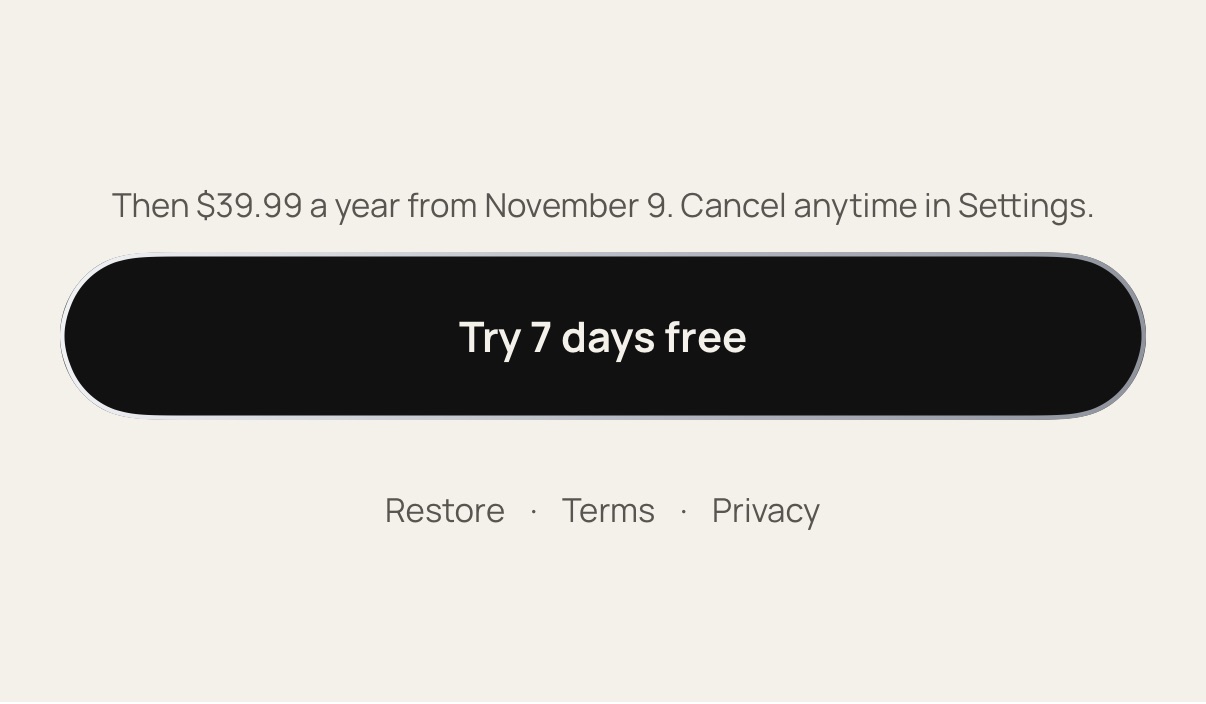
Open Settings and scroll down to About. On the Pro screen during setup, Restore sits under the plans.
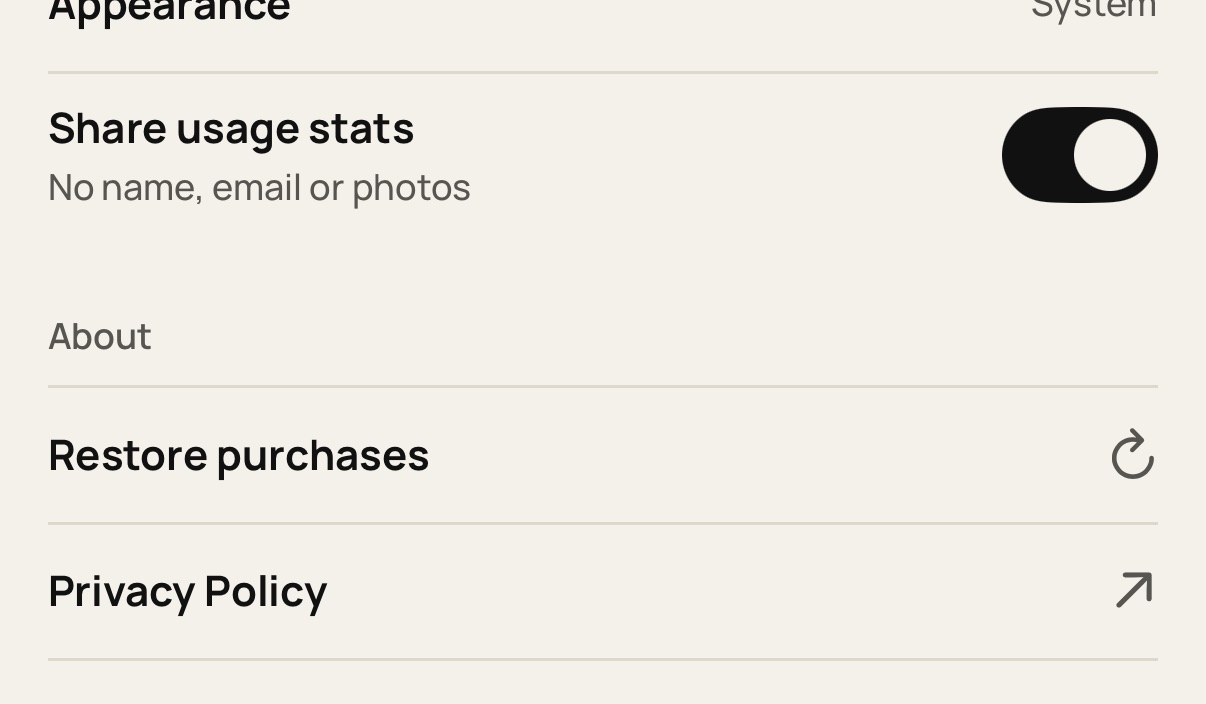
Tap Restore purchases in Settings or on the Pro screen.
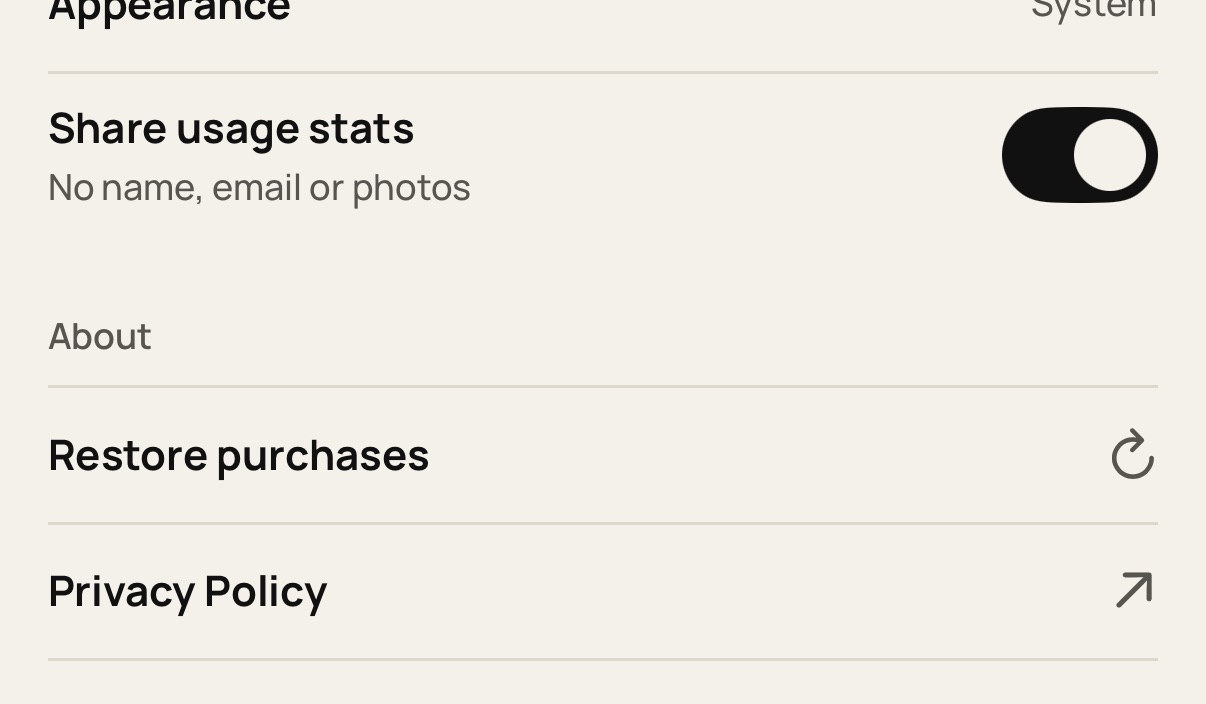
If the app says there are no purchases to restore, that Apple ID has no active Pro. Try another Apple ID you use.
Still stuck? Write to [email protected].