Report or block someone
Report a post or person, or block them. They aren't told.
Open the person's profile or the post.
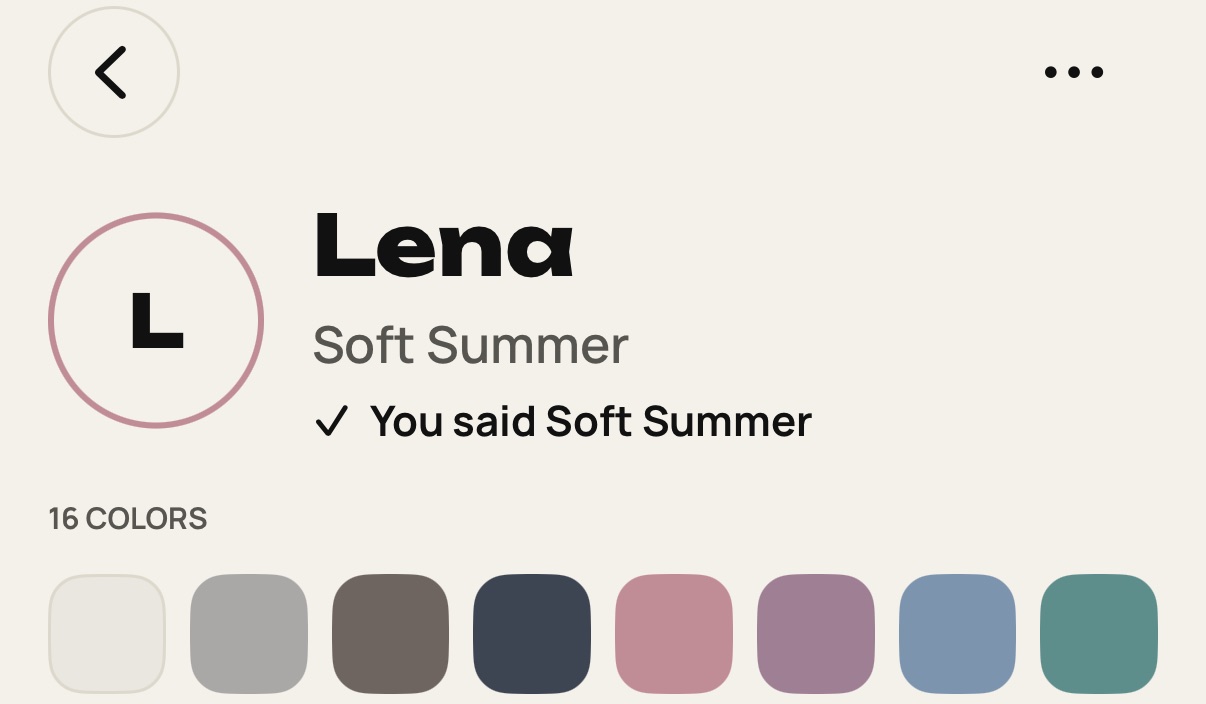
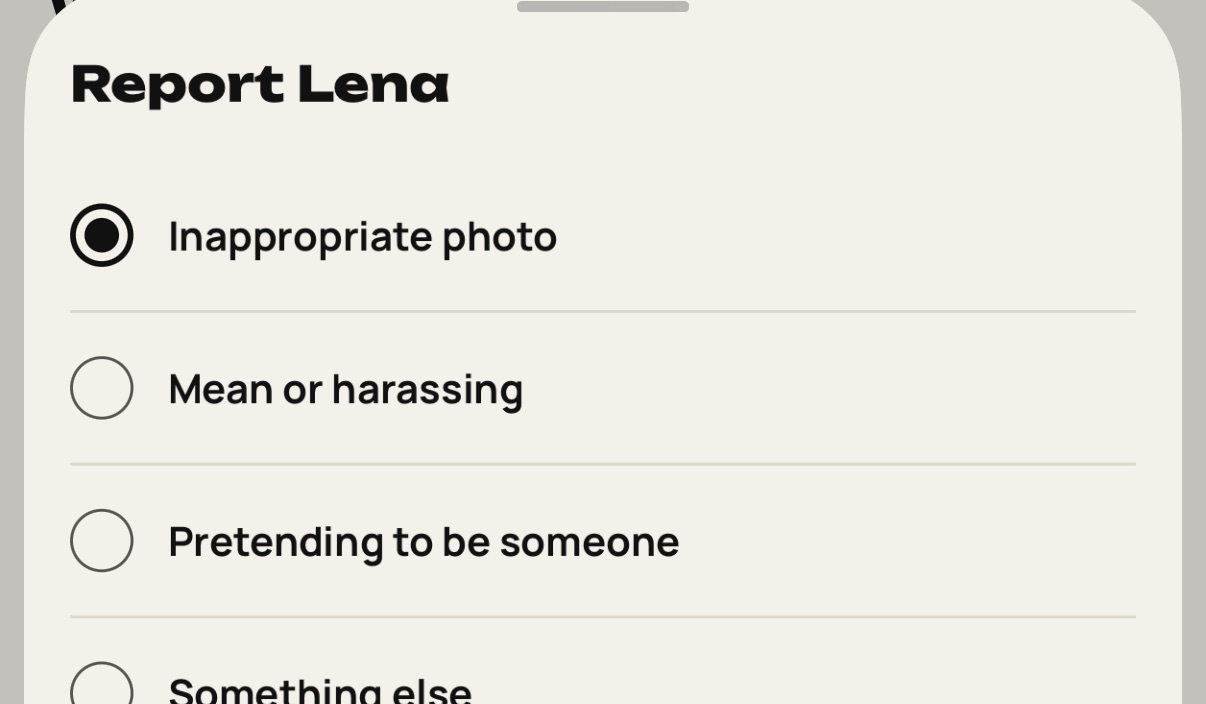
Tap Report. Choose a reason and tap Send report.
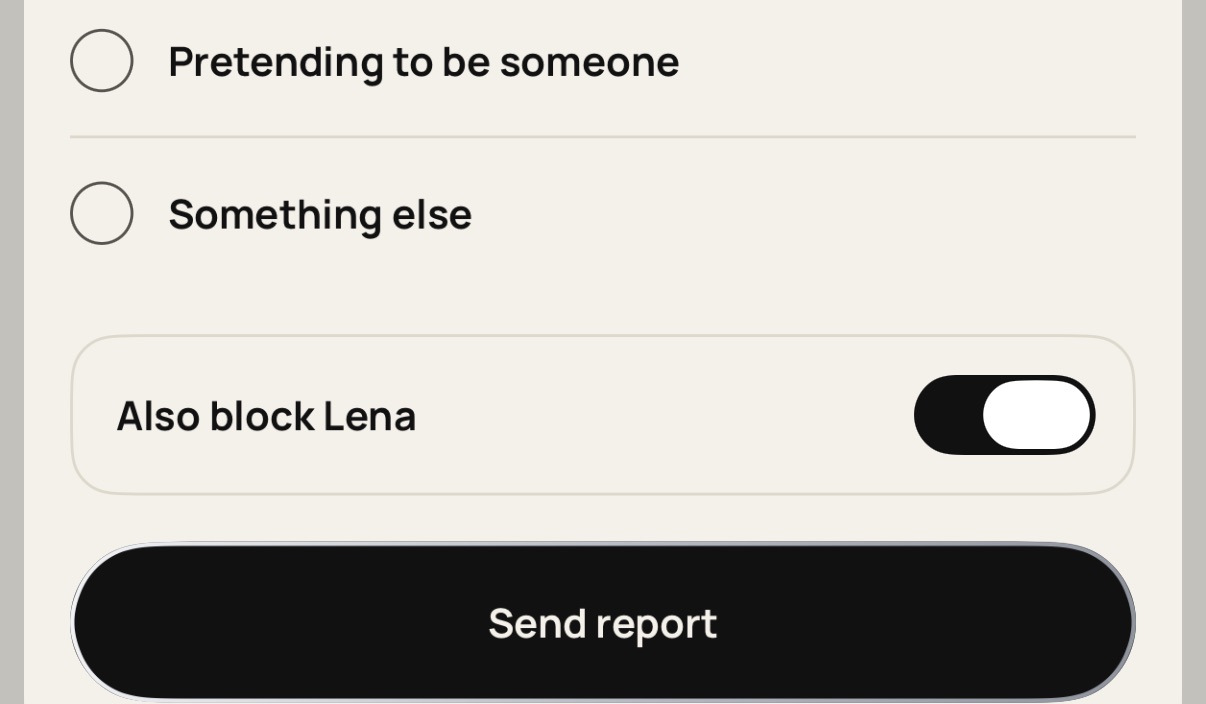
Turn on the block option to also block them. Blocked people can't see you or contact you.
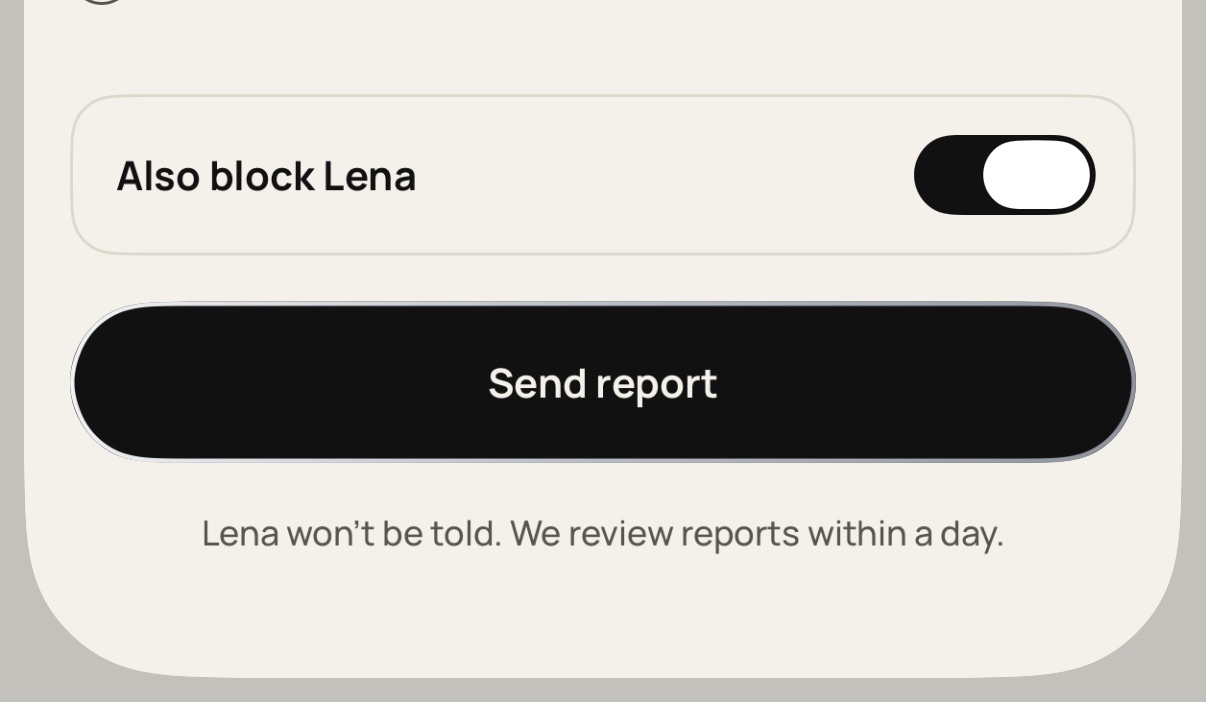
We review reports within a day. The person won't be told.
Still stuck? Write to [email protected].