Where your photos go
What we send to OpenAI, what we keep and what friends see.
Your selfie goes to OpenAI to read your season. It is also saved to your account, so your season comes back on a new phone.
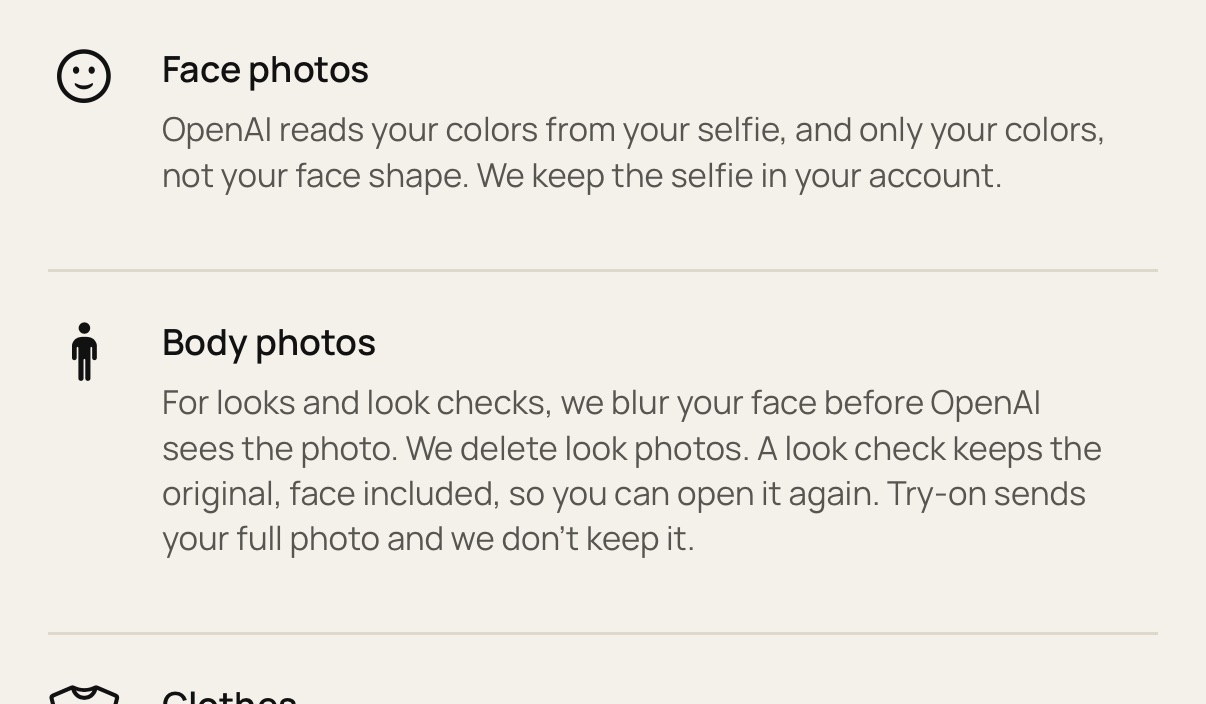
OpenAI may keep its copy for up to 30 days to check for abuse. It isn't used for training. Chat messages in Ask Colorsona go to OpenAI too, and we keep the chat for 30 days.
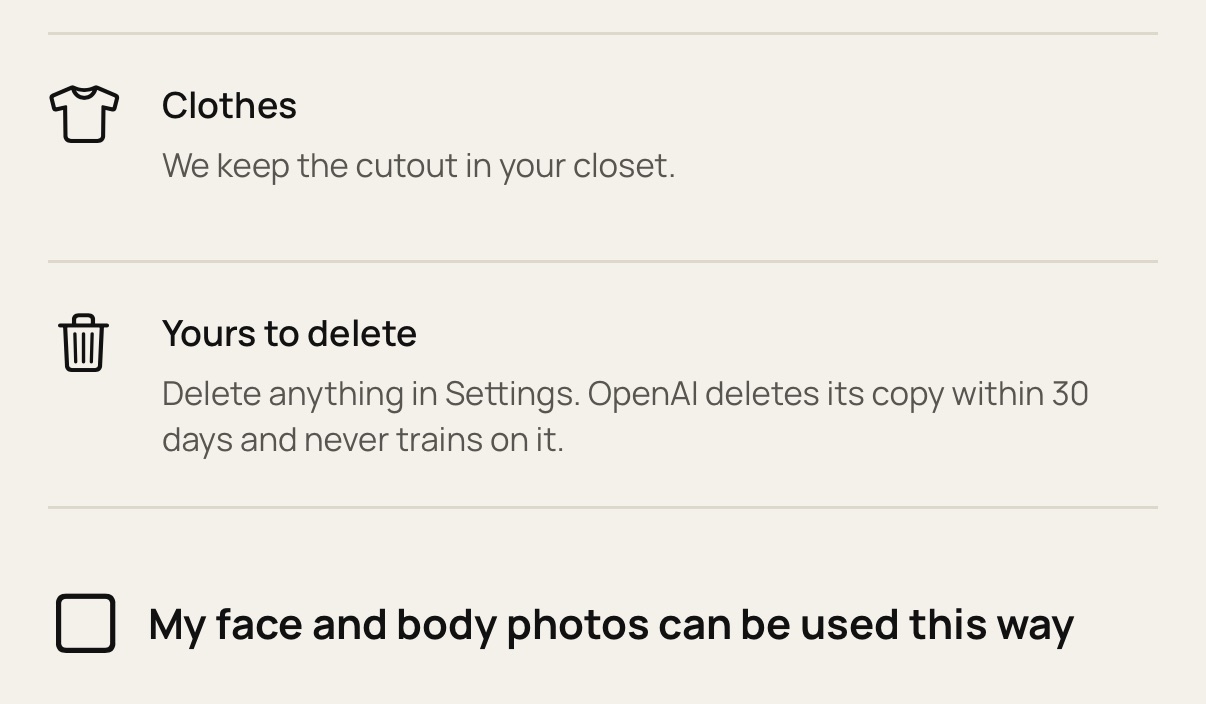
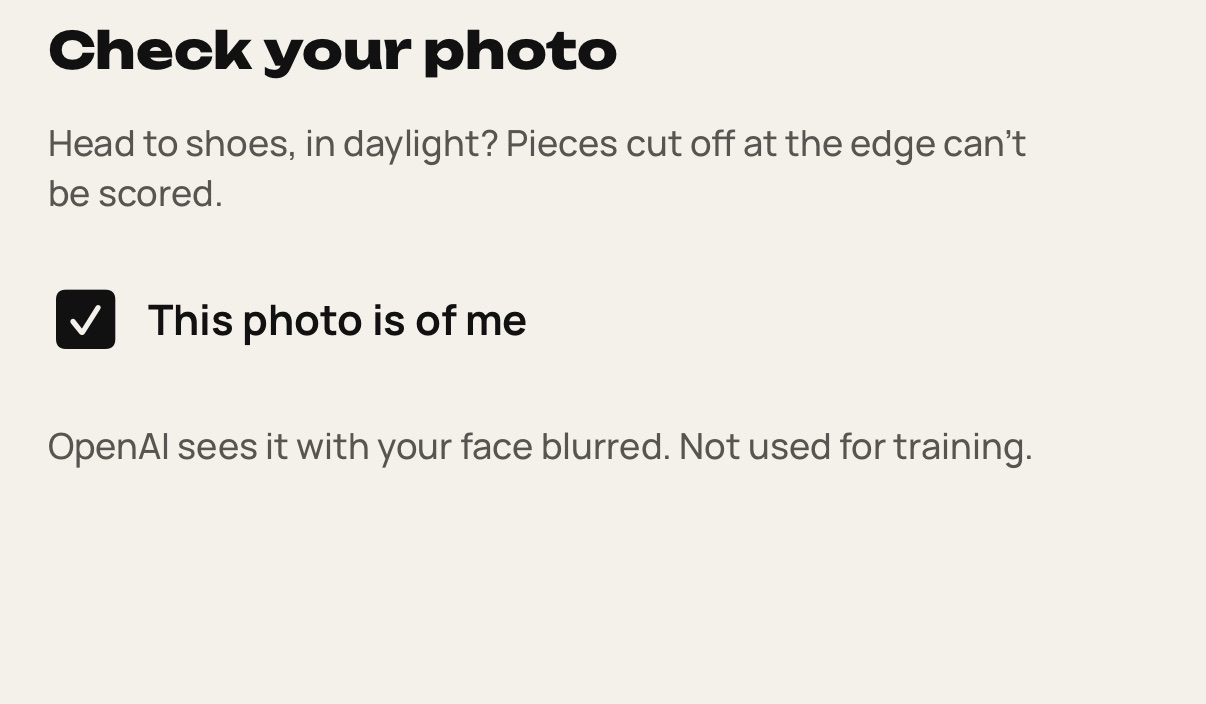
Look check photos are saved to your account. Only the copy we send to OpenAI has your face blurred. "Show me in" and Try it on send your full photo, and the try-on image is saved to your account too.
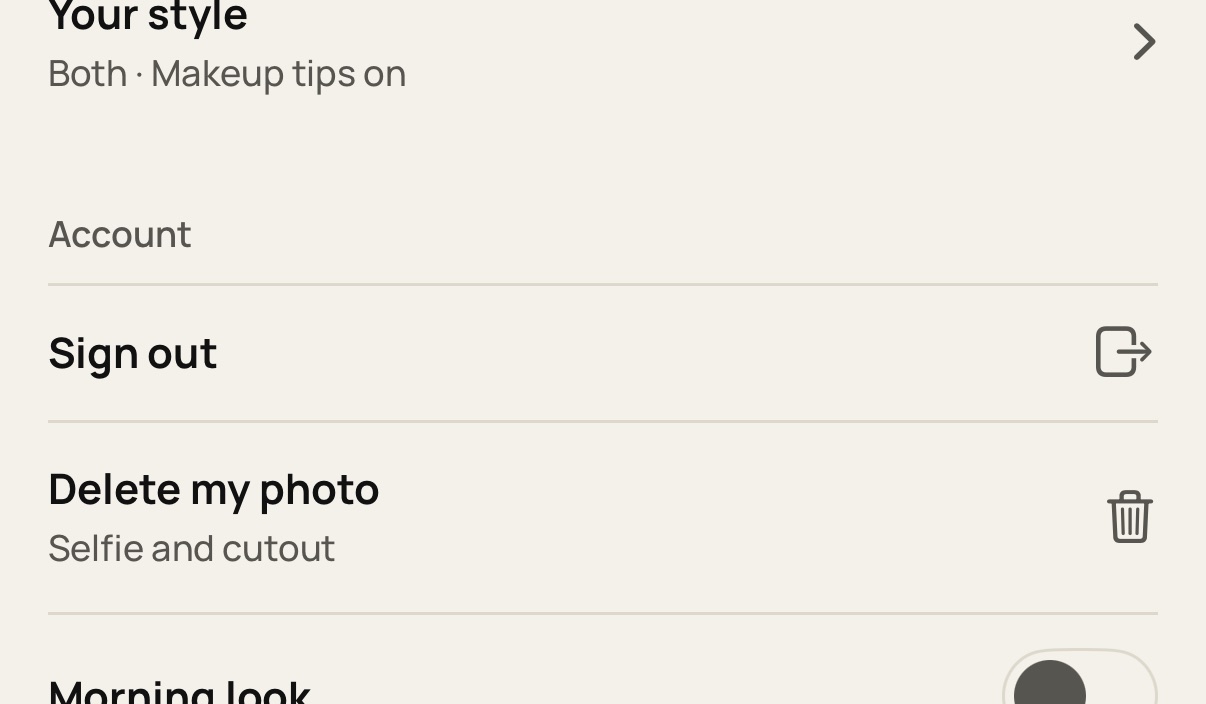
Friends only see what you post. Settings > Delete my photo removes your selfie and cutout only. To remove a look check, open it, tap ⋯ and choose Delete check.
Still stuck? Write to [email protected].