First steps
A short checklist on Home for your first days. Tap a step and the app circles the button you need.
After setup, Home shows a First steps card with 5 steps: find your season, add 3 pieces to your closet, check a look, scan something in a shop and invite a friend. If the scan already found your season, that step is ticked. The order of the three middle steps follows the goal you picked in setup. Until you have a season, the card sits under the Find my season button.
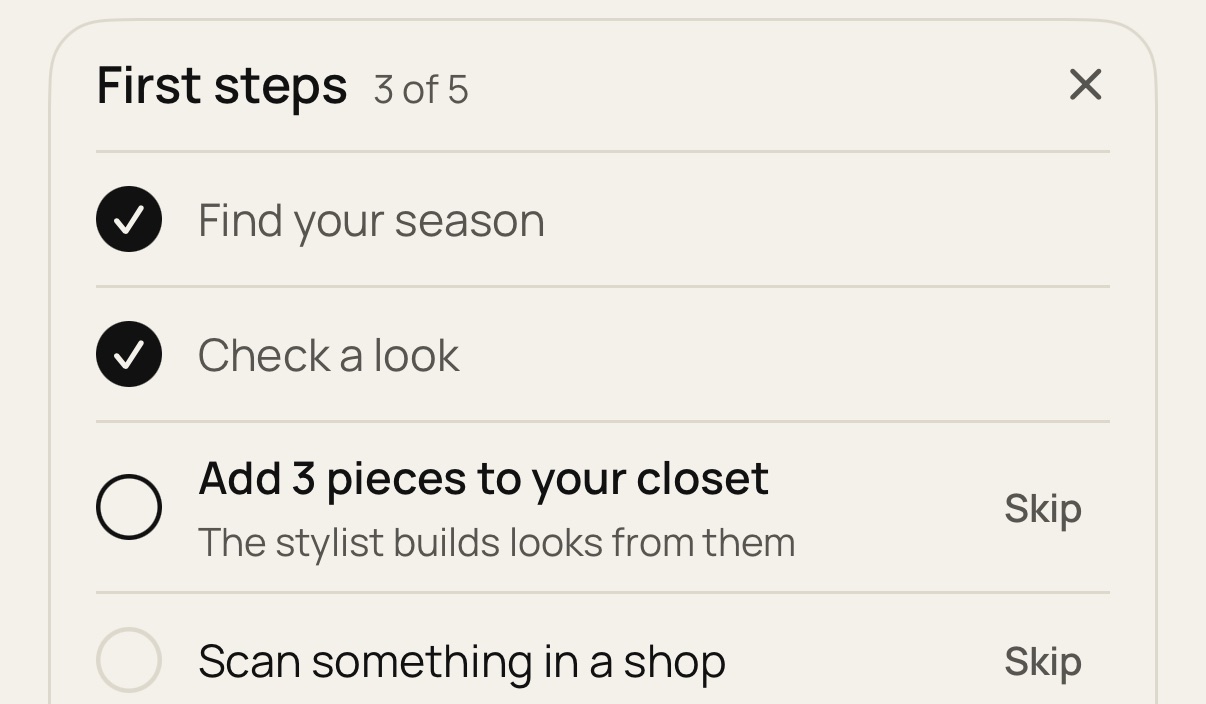
Tap a step to go there. The button you need is circled, so you can see where to tap.
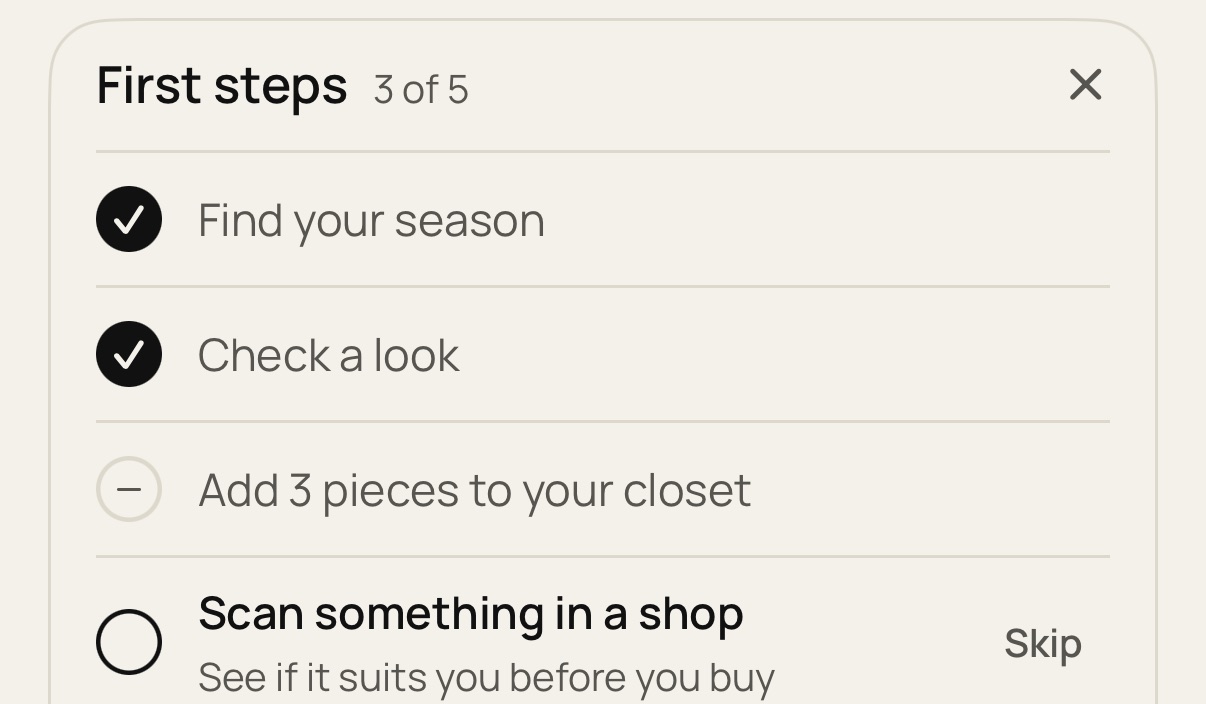
Not for you? Tap Skip and the step goes grey. It stays skipped, but the feature itself works as usual. Tap × to hide the whole card. Once hidden, it doesn't come back.
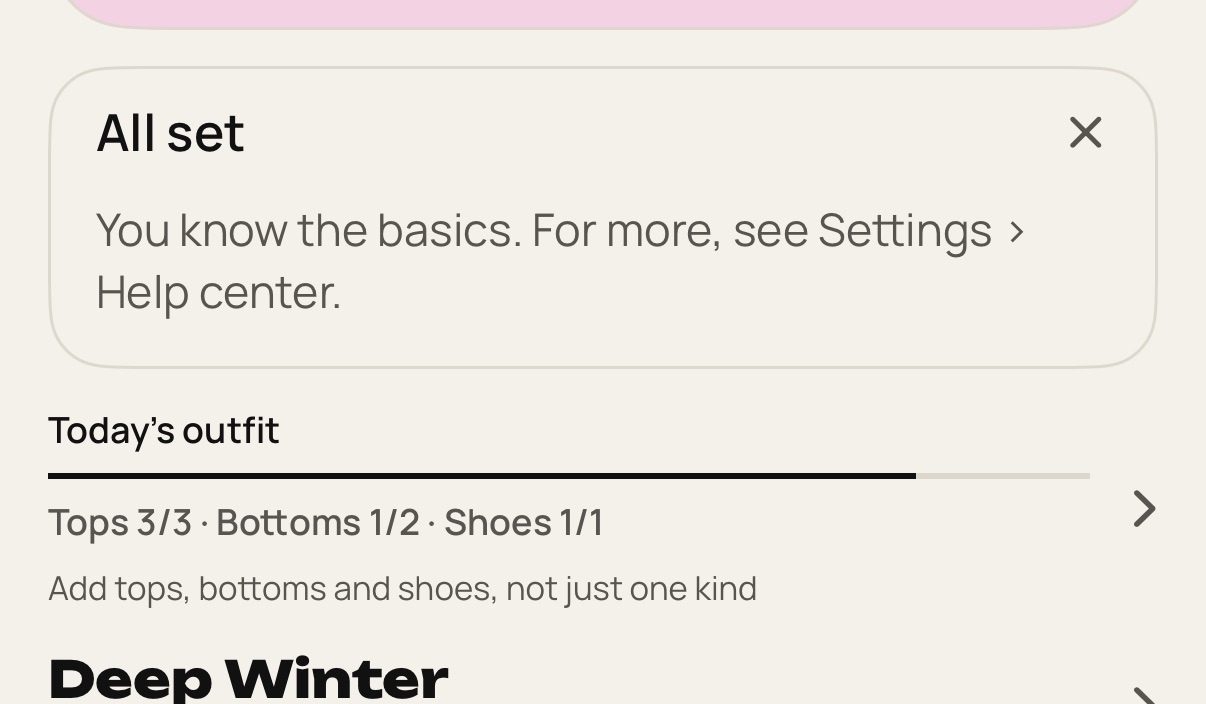
When every step is done or skipped, the card says All set once. On your next visit to Home it's gone. If you skipped every step, the card just hides. Everything it covered is still in this Help center.
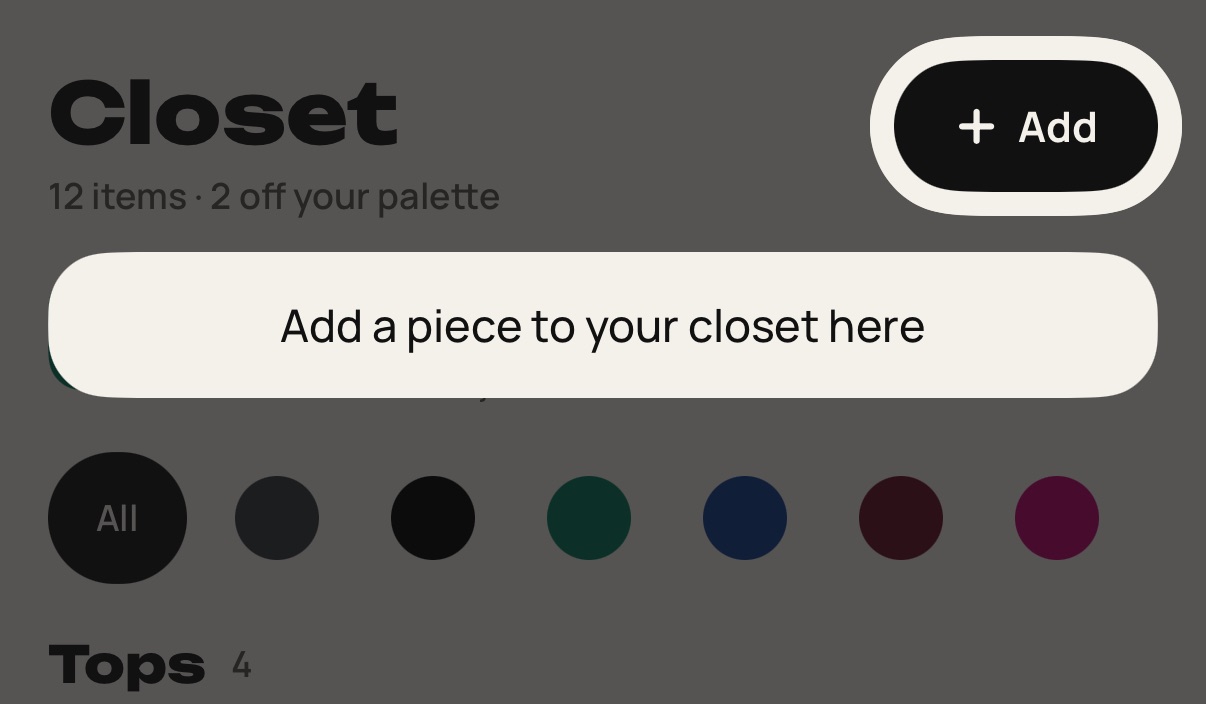
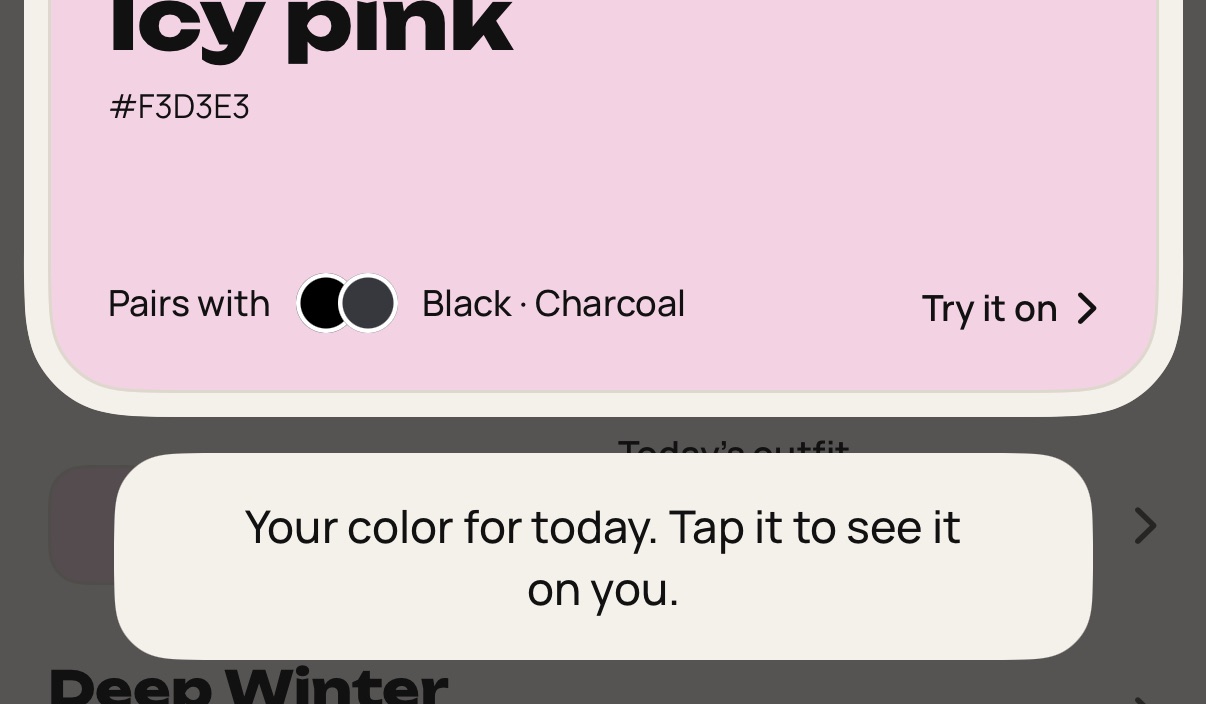
You also get three one-time tips: Wear today on Home, the add button in Closet and the season block in You. A tip closes on your next tap, wherever it lands. Tap the circled item and it works as usual.
Still stuck? Write to [email protected].