Find your season
One selfie shows your season and your colors.
Skipped the scan in setup? On Home, tap Find my season. To redo it later, tap Retake scan in You.
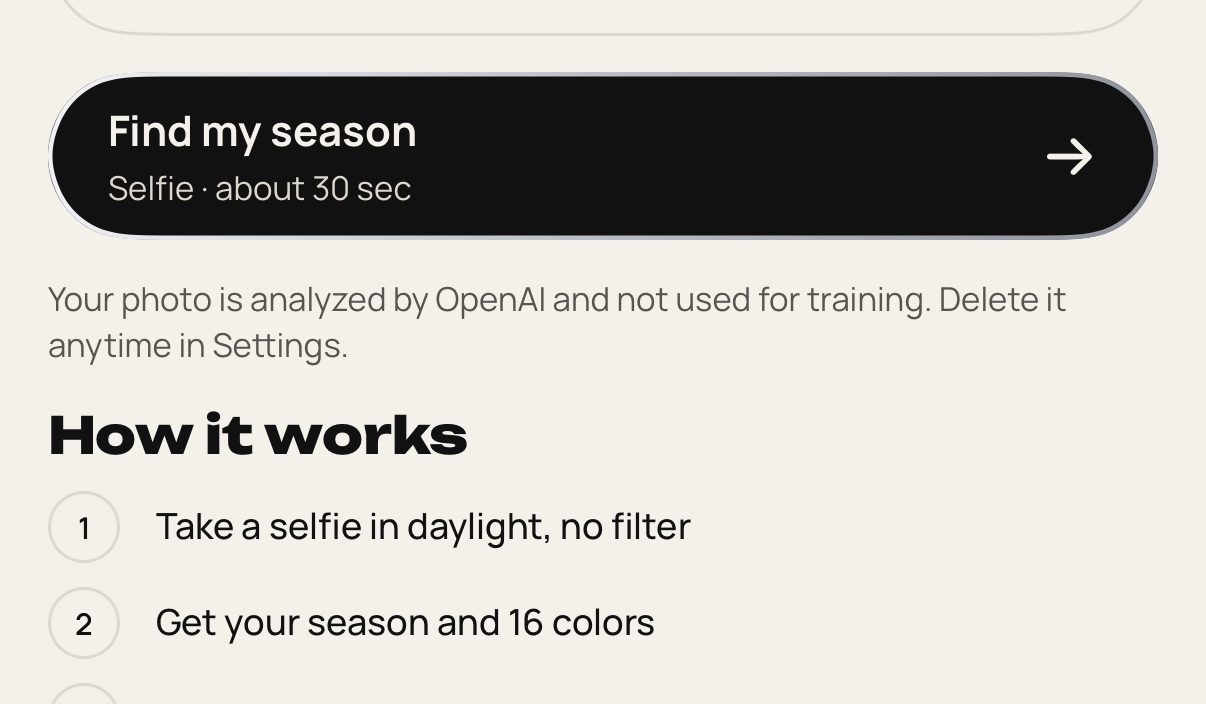
Face a window in daylight. Skip filters and keep your face in the middle.
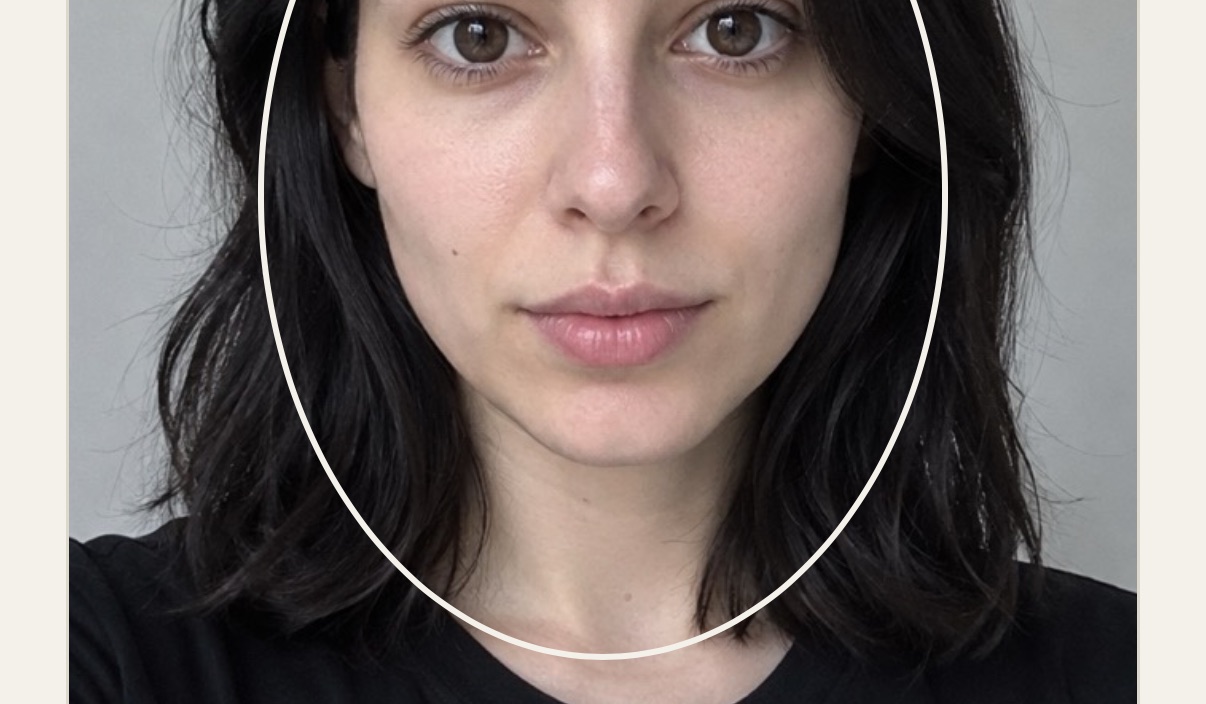
Tap Take my selfie. The scan takes about 30 seconds.
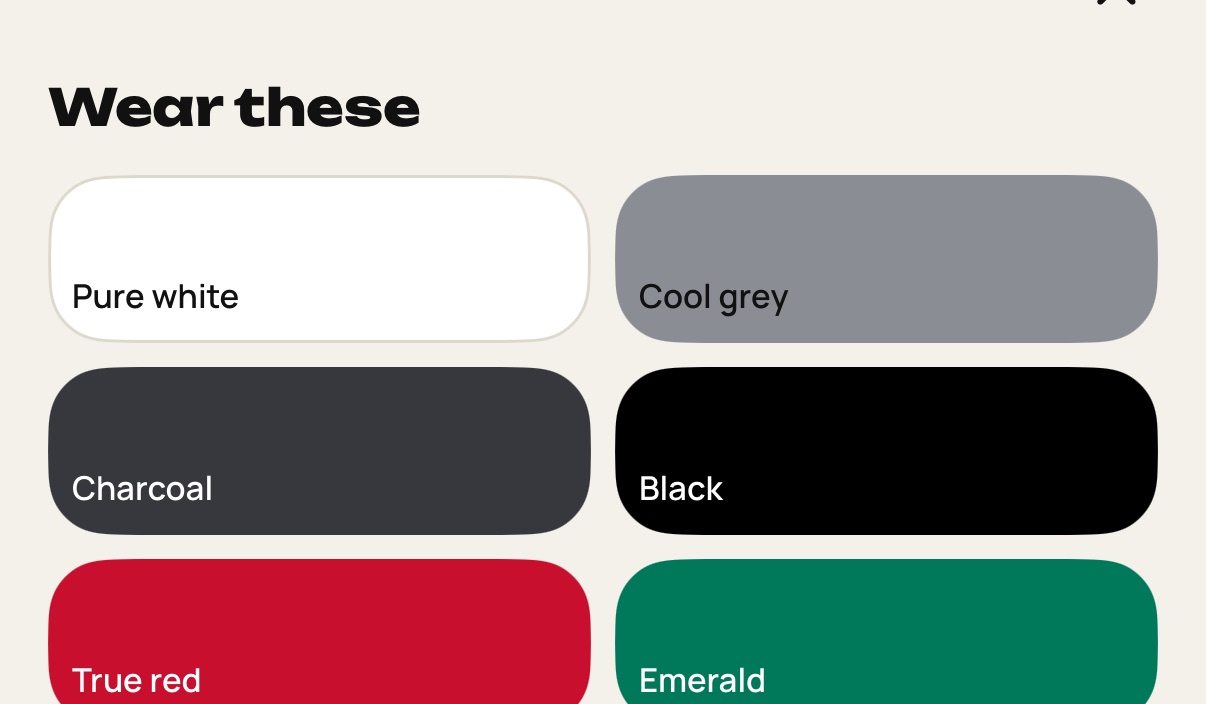
Your season appears with all 16 colors, the colors to avoid and your metals.
Still stuck? Write to [email protected].