Colorsona
Join the waitlistJoin

All help

Delete your photos

Remove your selfie or a look check any time.

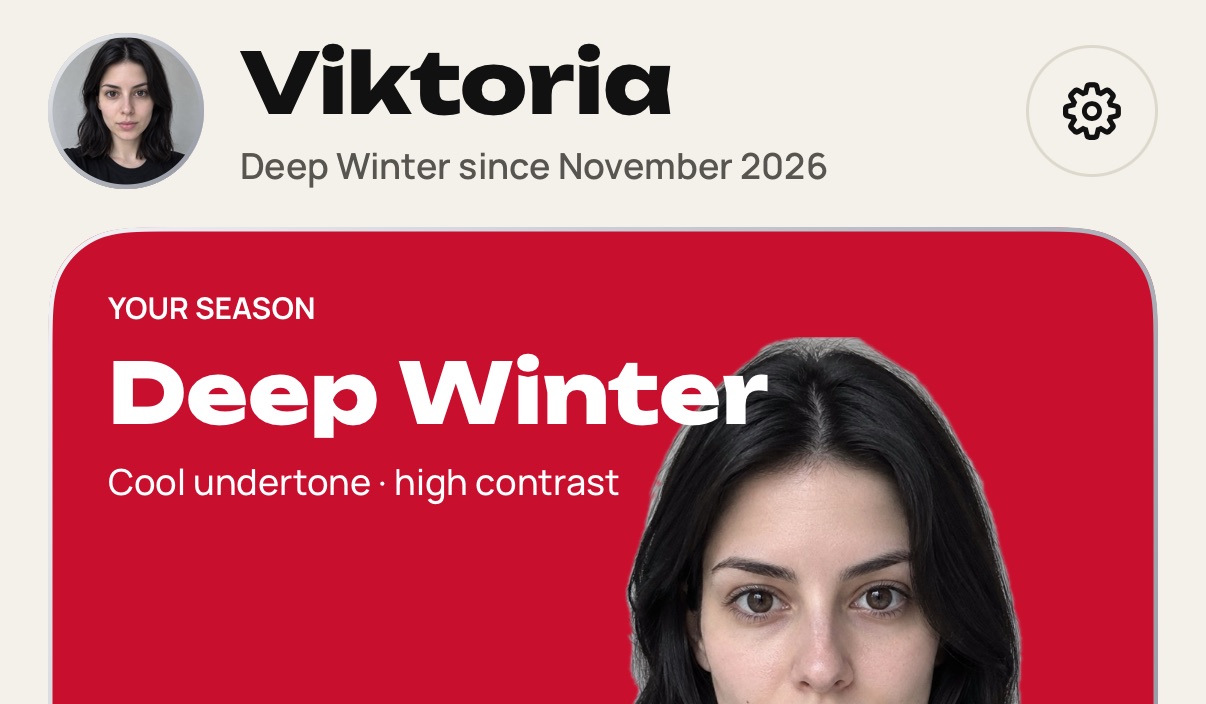
  1. Open the You tab, then Settings.

    Step 1: Open the You tab, then Settings.
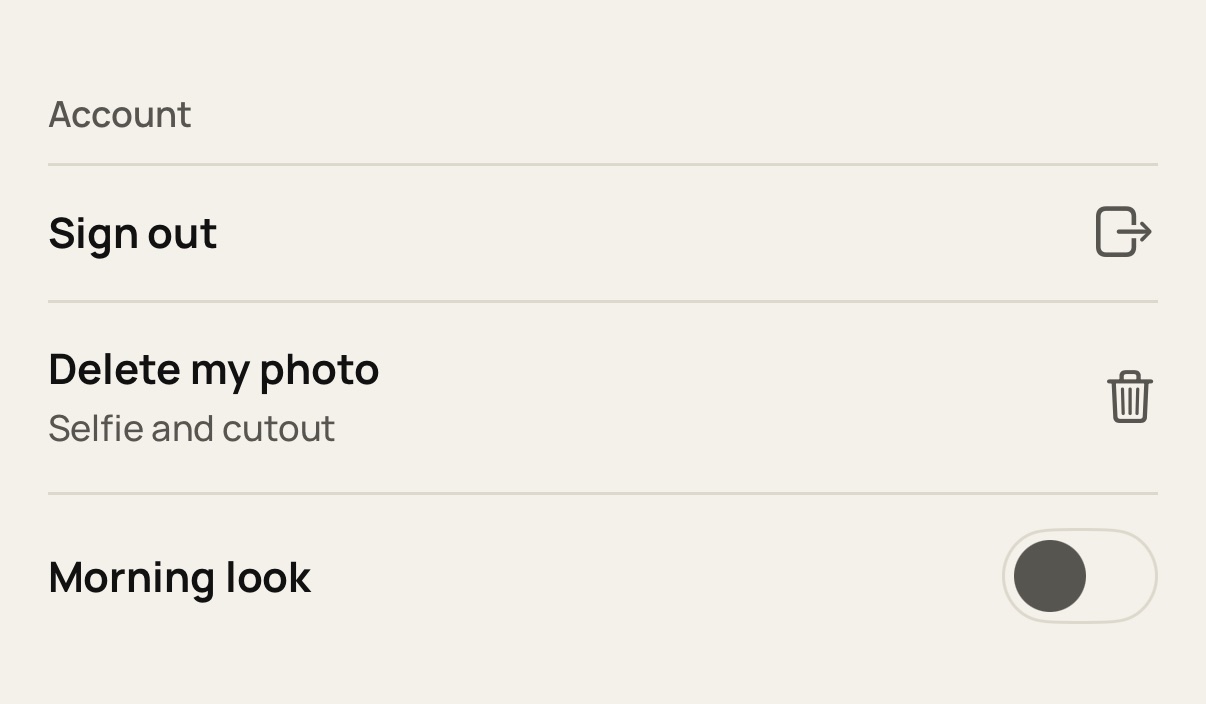
  2. Tap Delete my photo.

    Step 2: Tap Delete my photo.
  3. Confirm. Your selfie and cutout are removed, and your season stays.
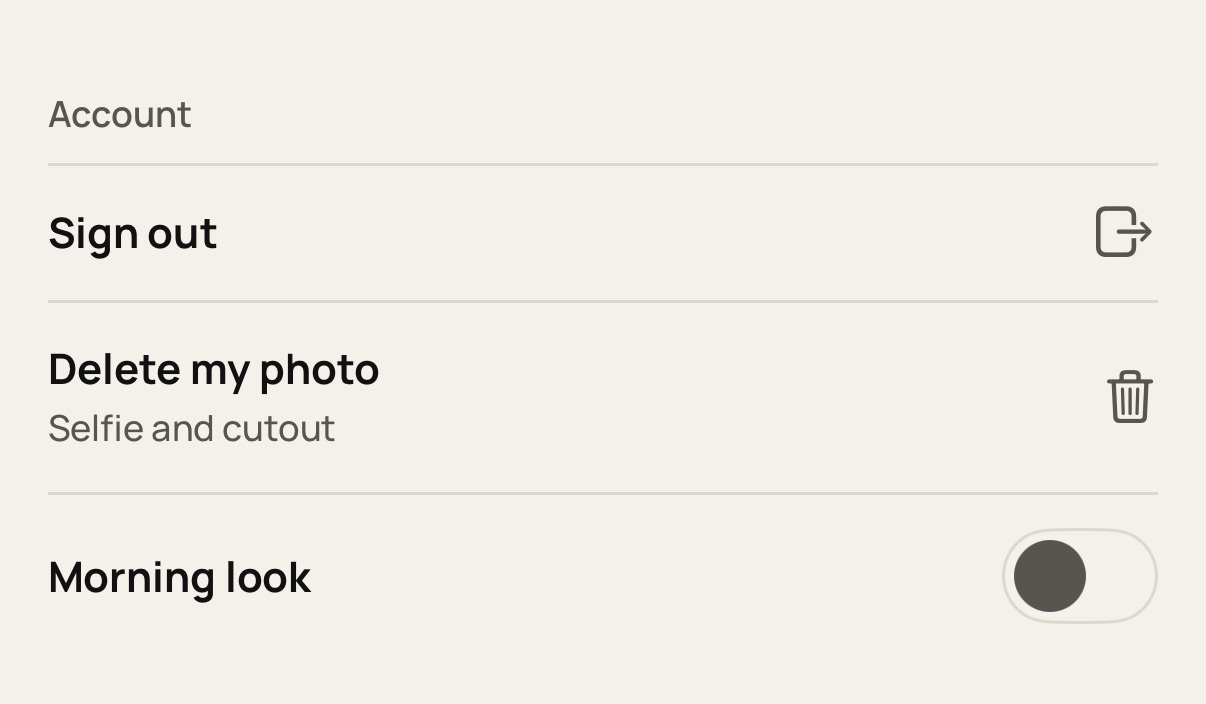
    Step 3: Confirm. Your selfie and cutout are removed, and your season stays.
  4. To delete a look check, open it, tap ⋯ and choose Delete check.
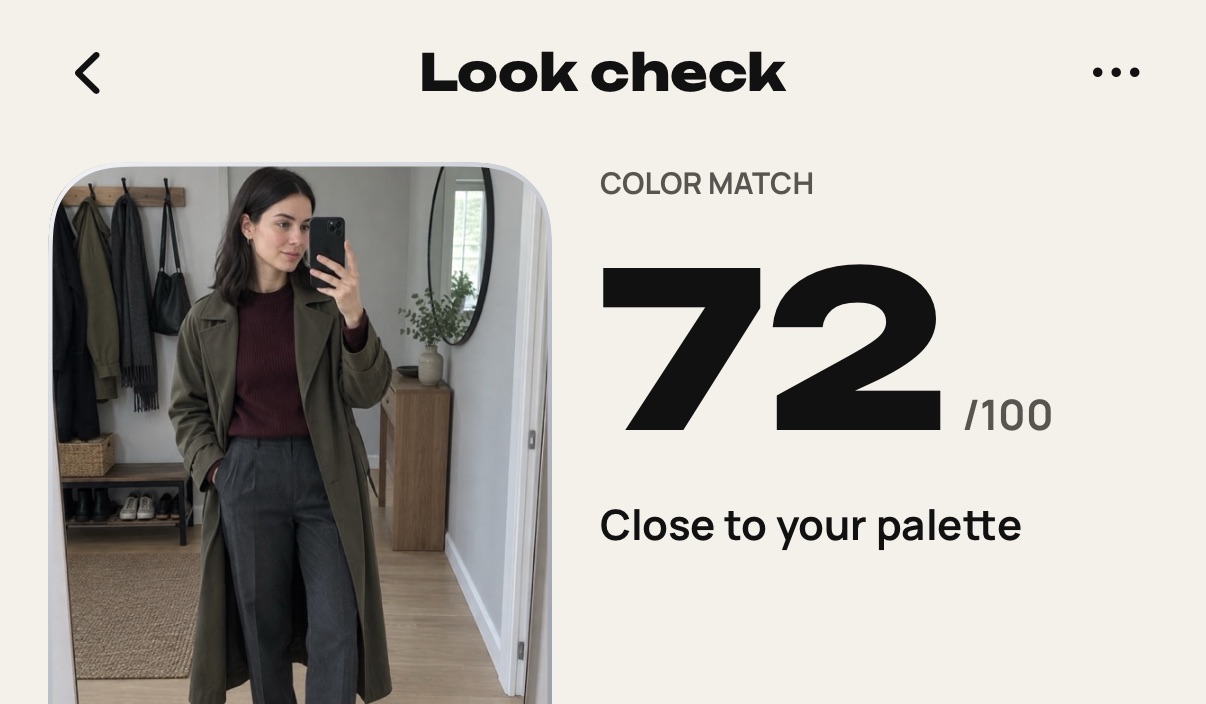
    Step 4: To delete a look check, open it, tap ⋯ and choose Delete check.

Still stuck? Write to [email protected].