Delete your account
Removes your season, photos and account for good.
Open the You tab, then Settings.

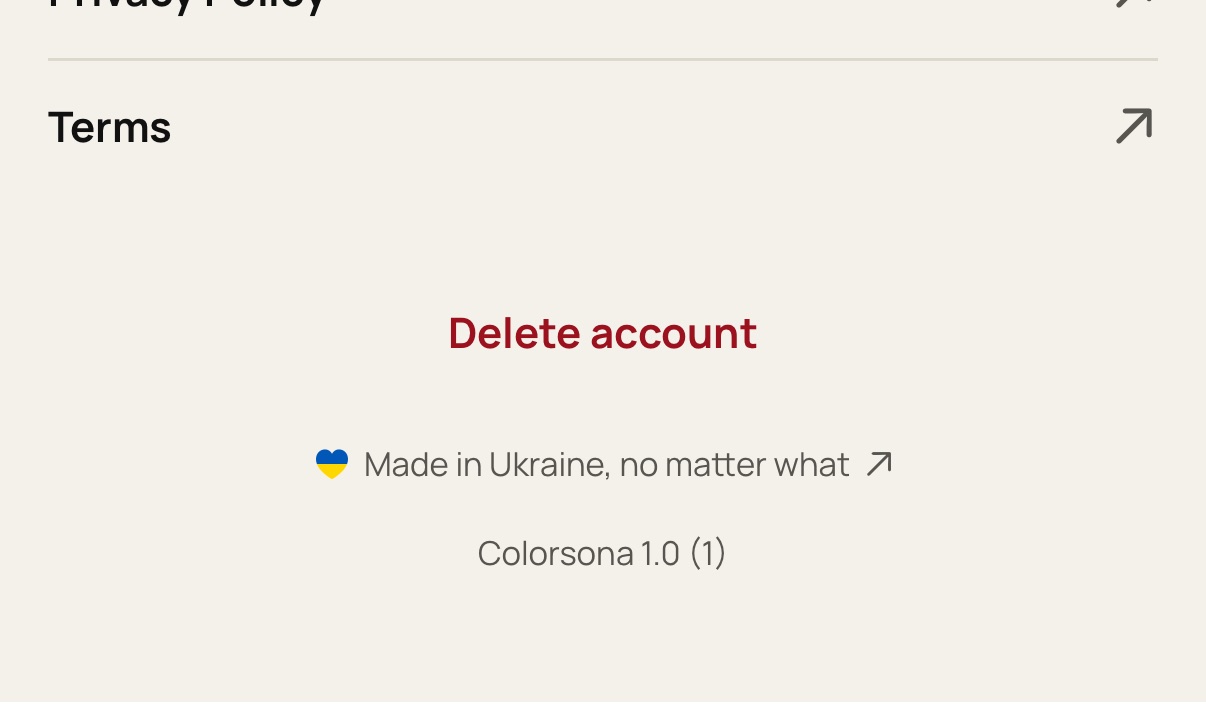
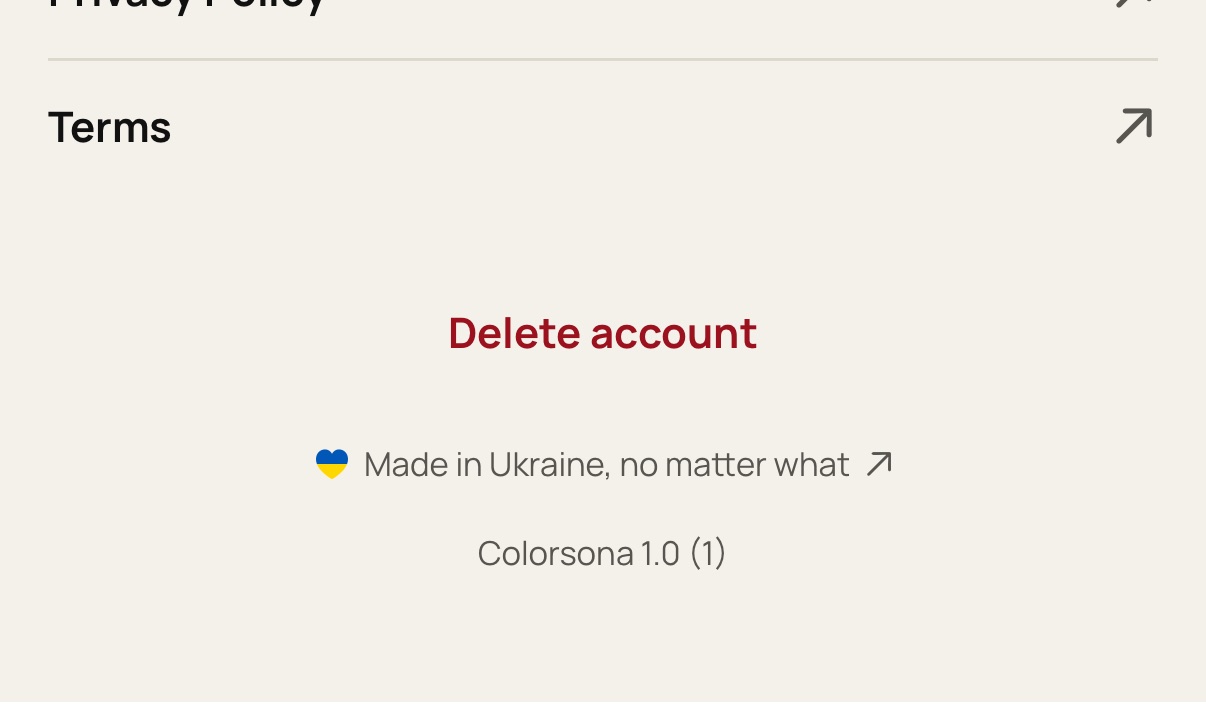
Scroll to the bottom and tap Delete account.
Confirm. This can't be undone.
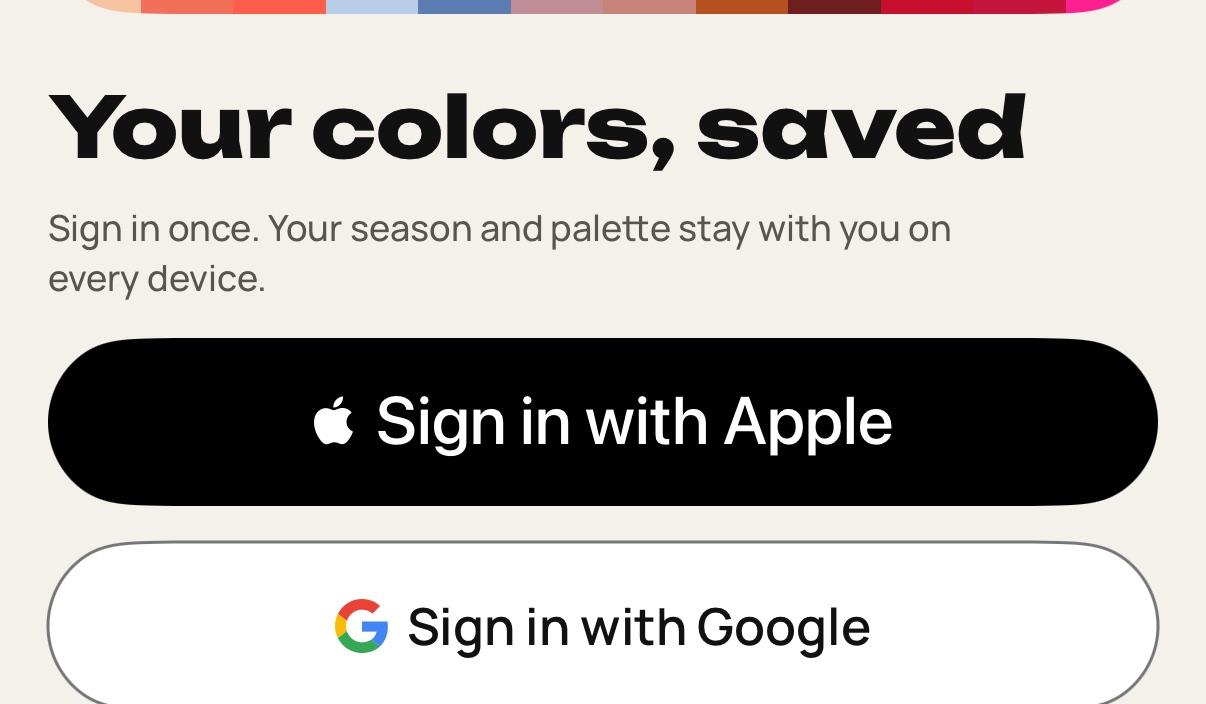
Sign in again when asked. Your data is removed from every device.
Still stuck? Write to [email protected].