Colorsona
Join the waitlistJoin

All help

Try a color on

See your selfie cutout on any color of your palette.

  1. Tap today's color on Home, or open your palette and tap any color.
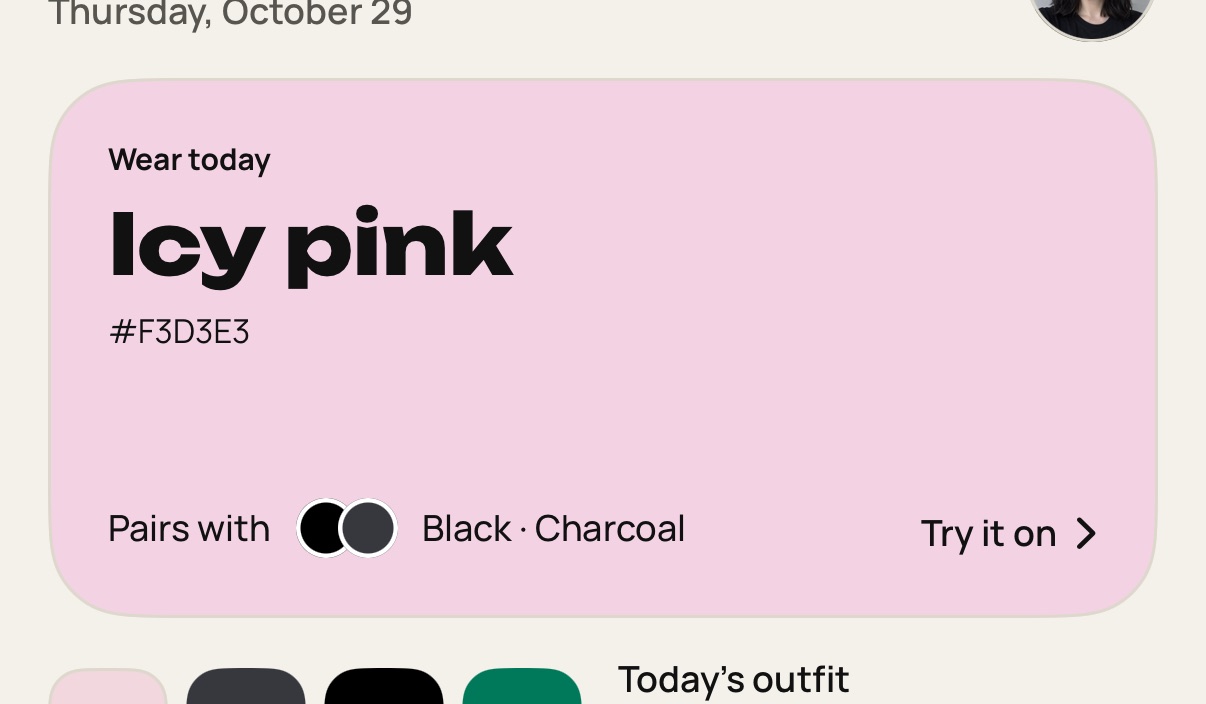
    Step 1: Tap today's color on Home, or open your palette and tap any color.
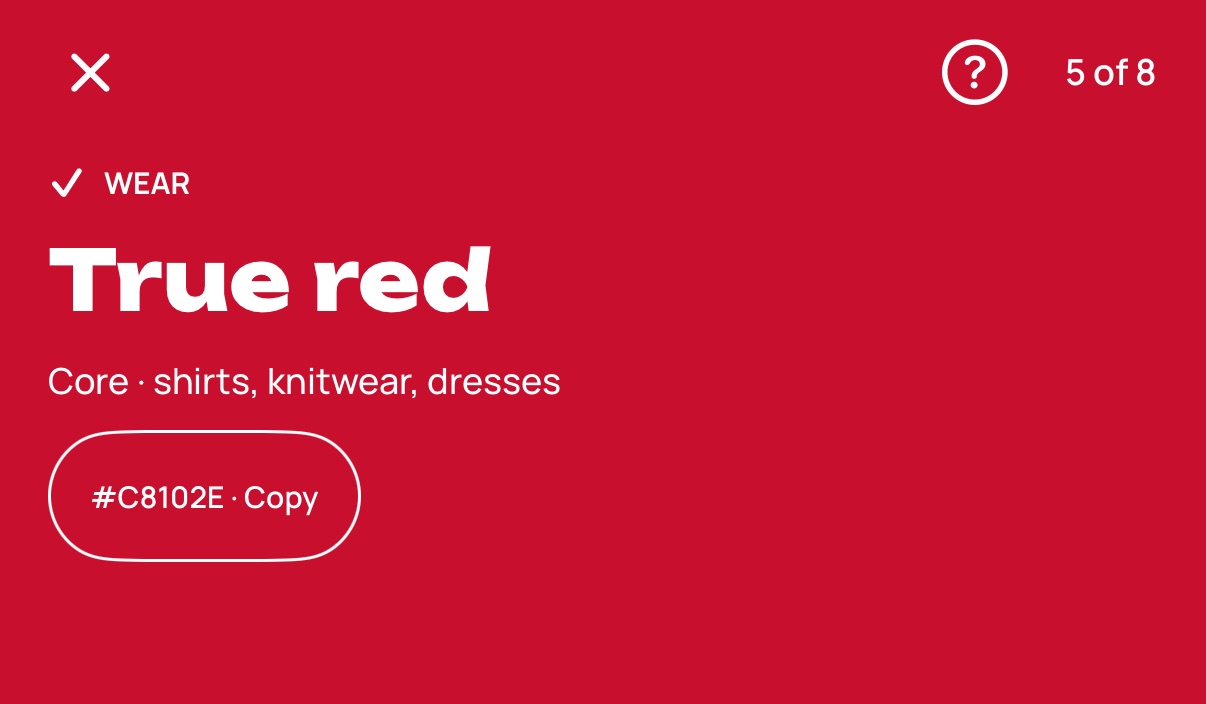
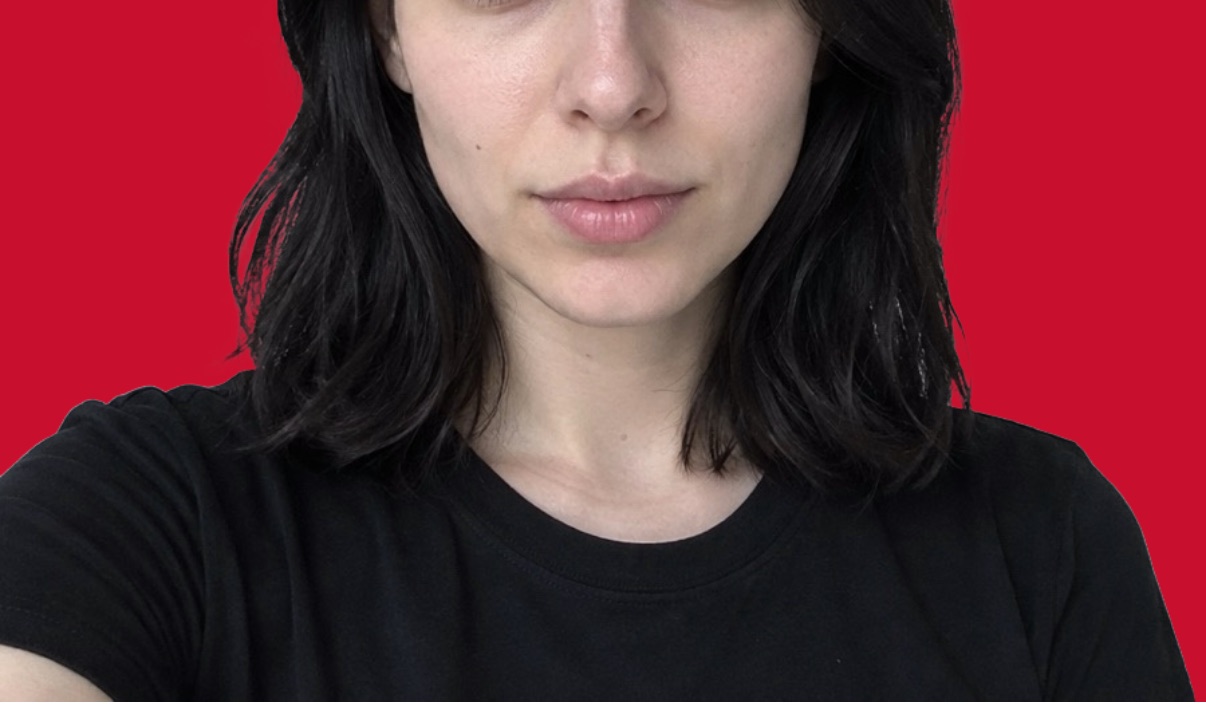
  2. Your selfie cutout appears on that color. It needs your scan photo, so it stops working after you delete it.

    Step 2: Your selfie cutout appears on that color. It needs your scan photo, so it stops working after you delete it.
  3. Swipe left or right to move through the colors.
    Step 3: Swipe left or right to move through the colors.
  4. Close the screen when you're done.

    Step 4: Close the screen when you're done.

Still stuck? Write to [email protected].