Colorsona
Join the waitlistJoin

All help

Add a piece to your closet

One photo per piece. Adding is free.

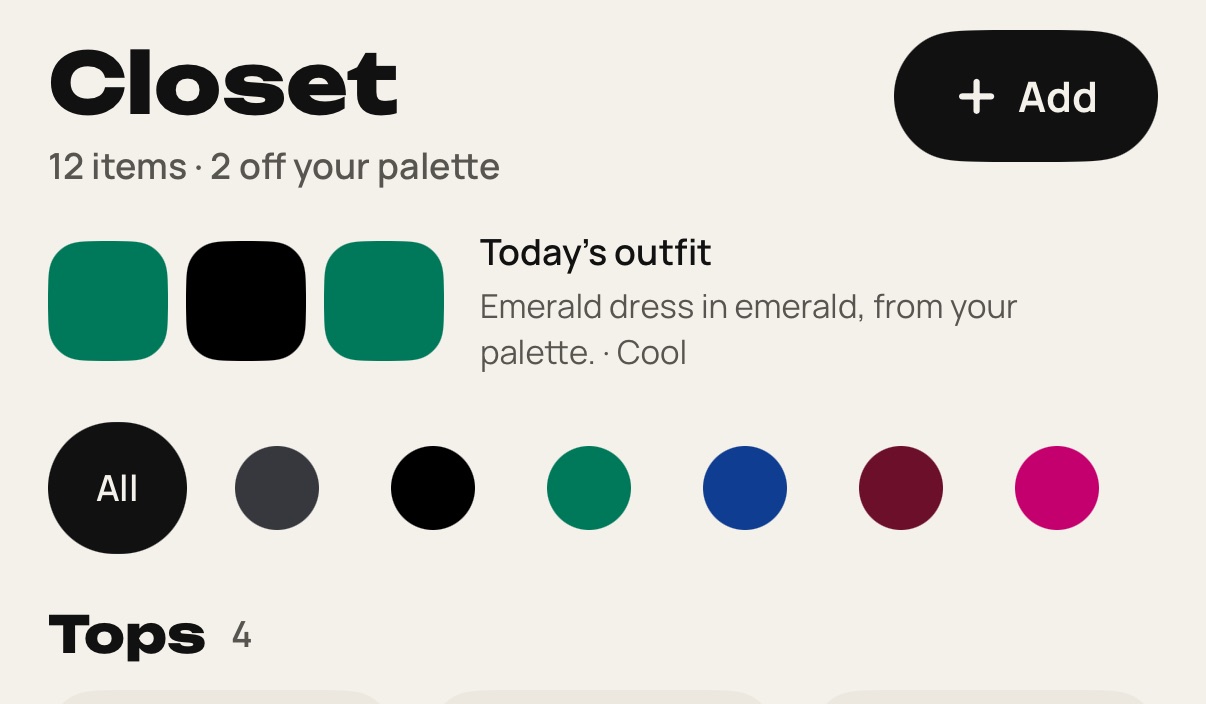
  1. Open the Closet tab and tap Add.

    Step 1: Open the Closet tab and tap Add.
  2. Photograph one piece on a plain background, or choose a photo.
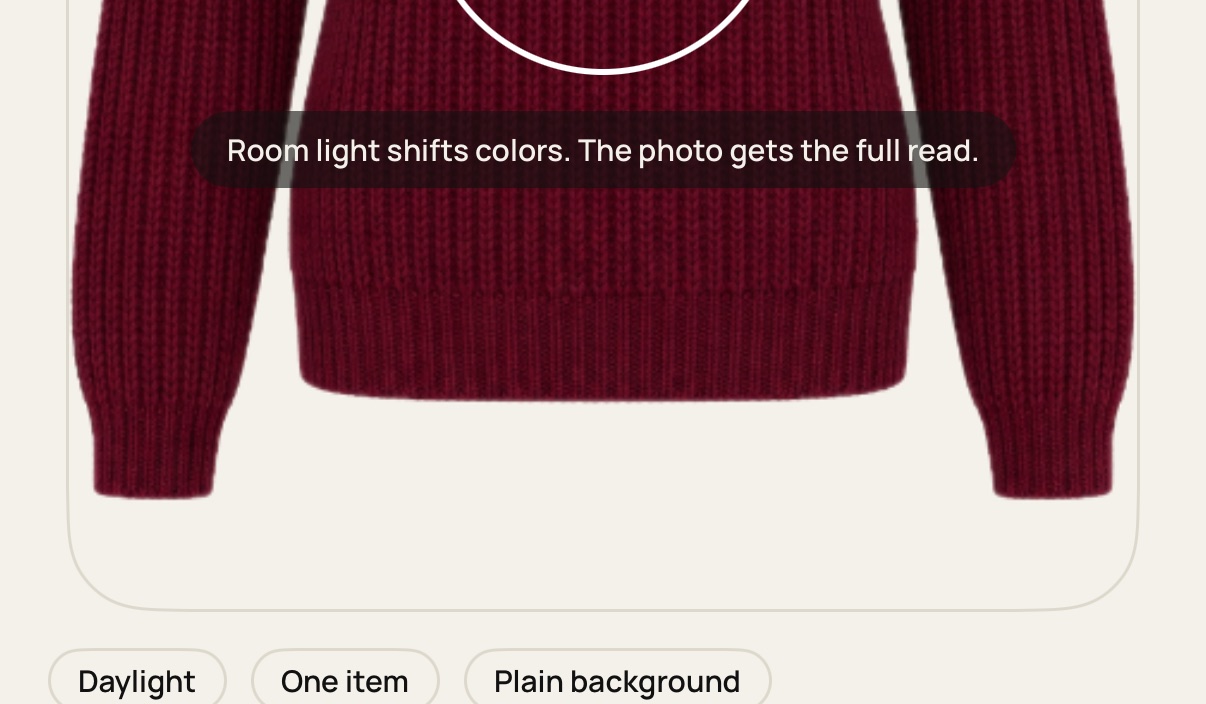
    Step 2: Photograph one piece on a plain background, or choose a photo.
  3. Check the cutout for hands or background. Tap Use this photo, or Retake if something is off.
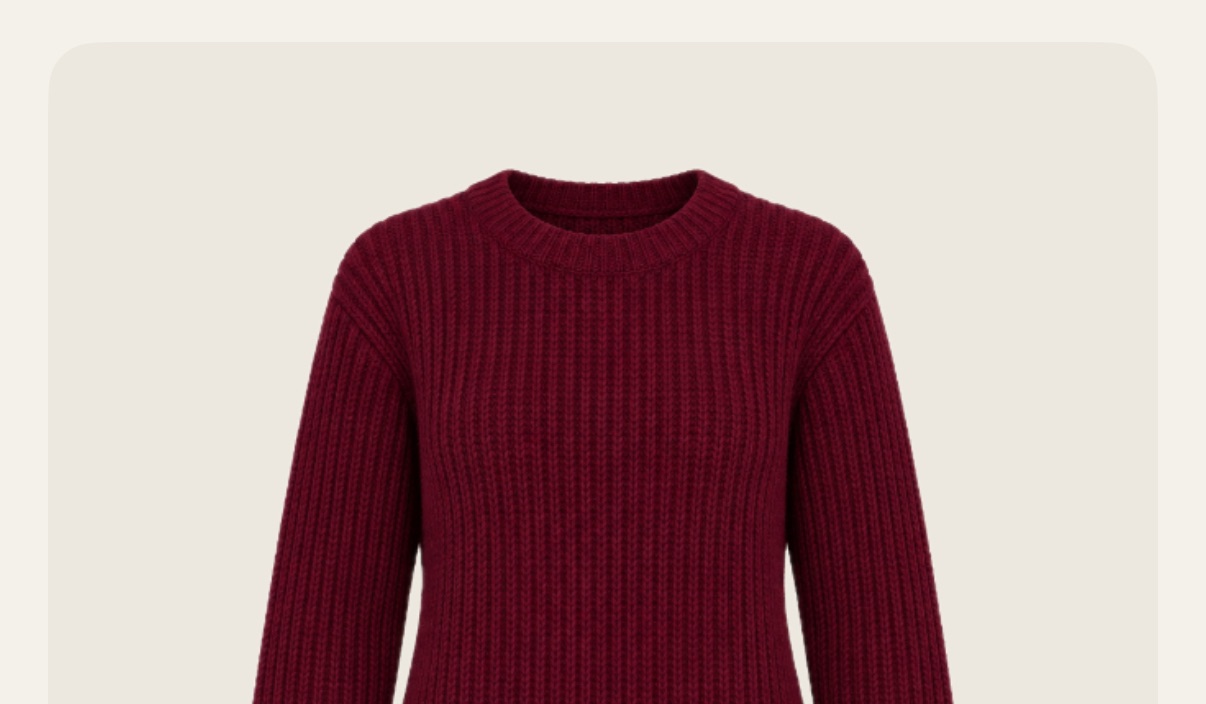
    Step 3: Check the cutout for hands or background. Tap Use this photo, or Retake if something is off.
  4. Colorsona reads the type and color in about 5 seconds. Check them and save.
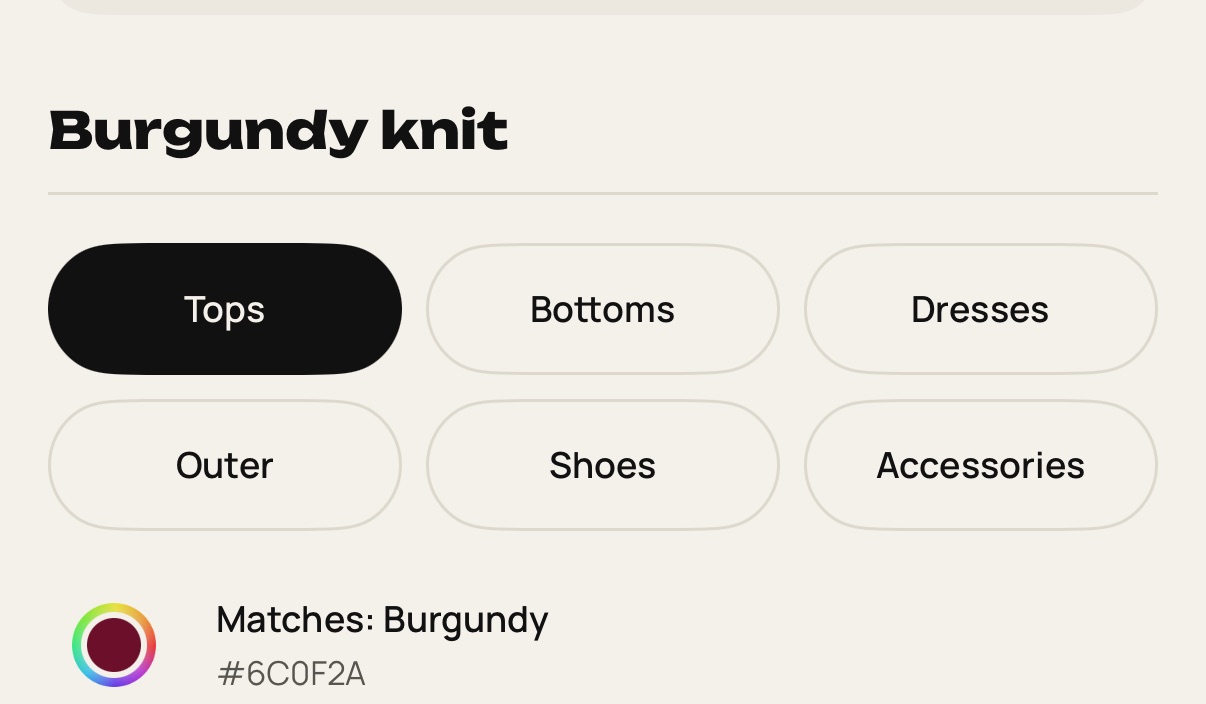
    Step 4: Colorsona reads the type and color in about 5 seconds. Check them and save.

Still stuck? Write to [email protected].